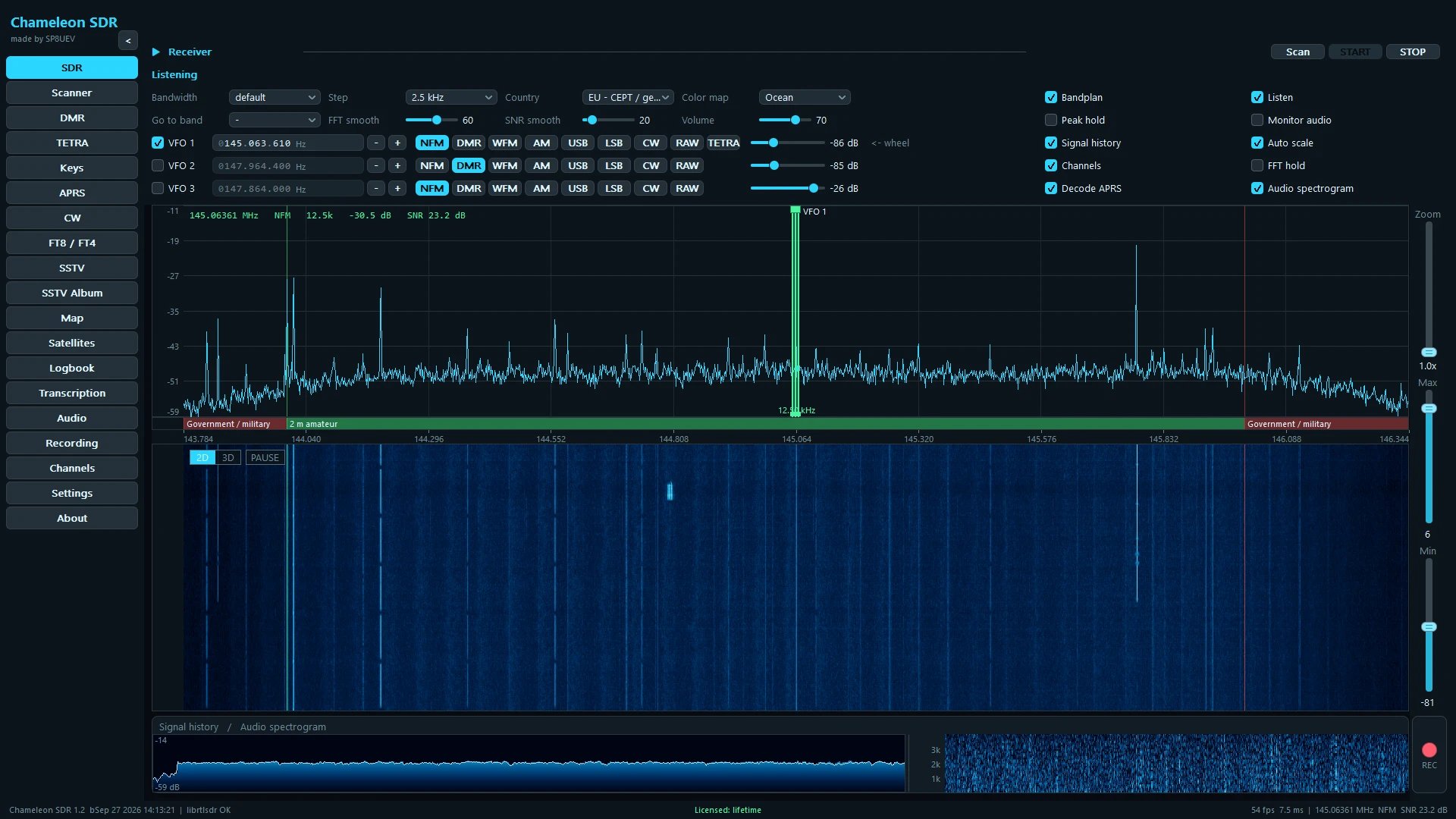
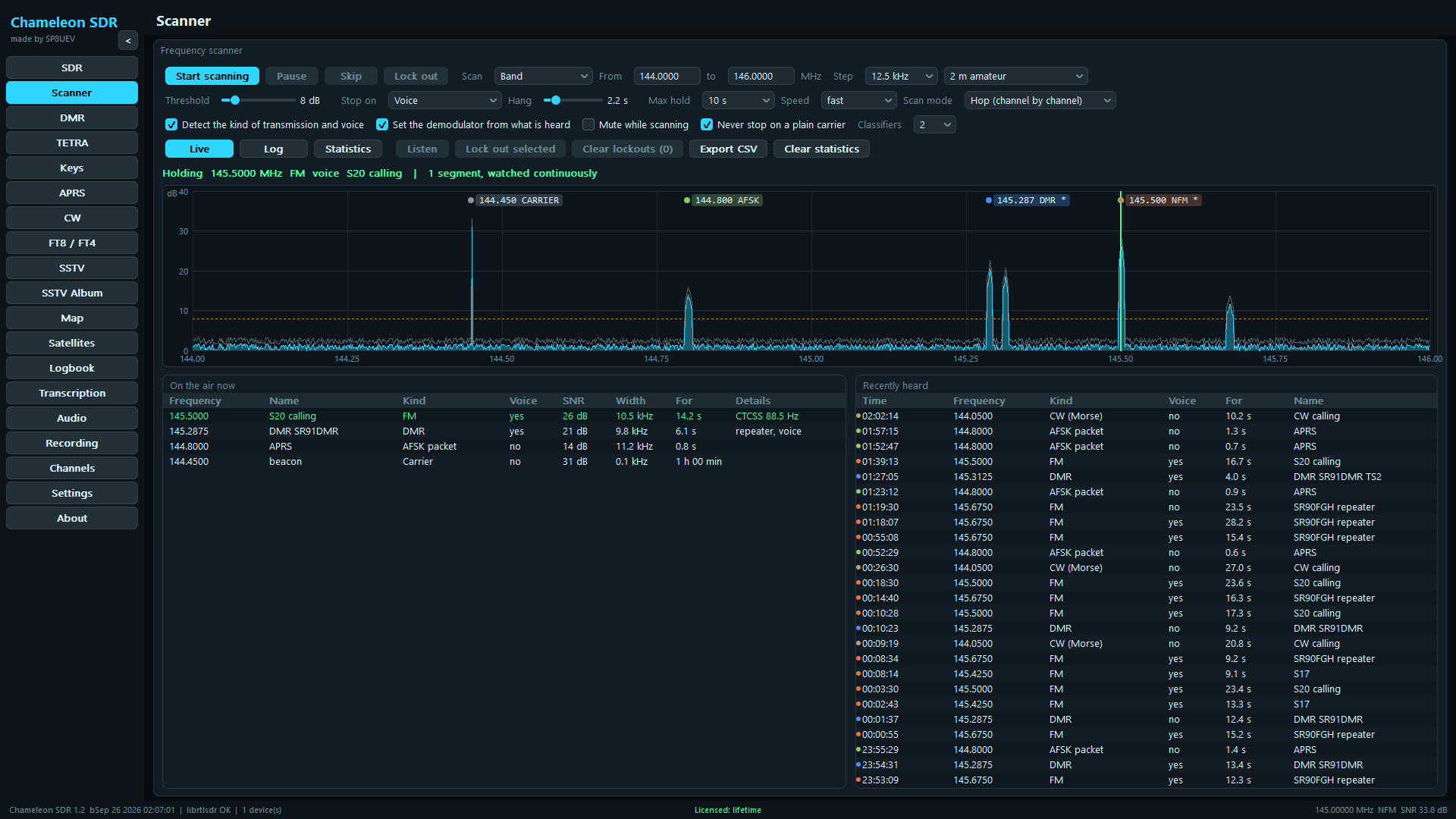
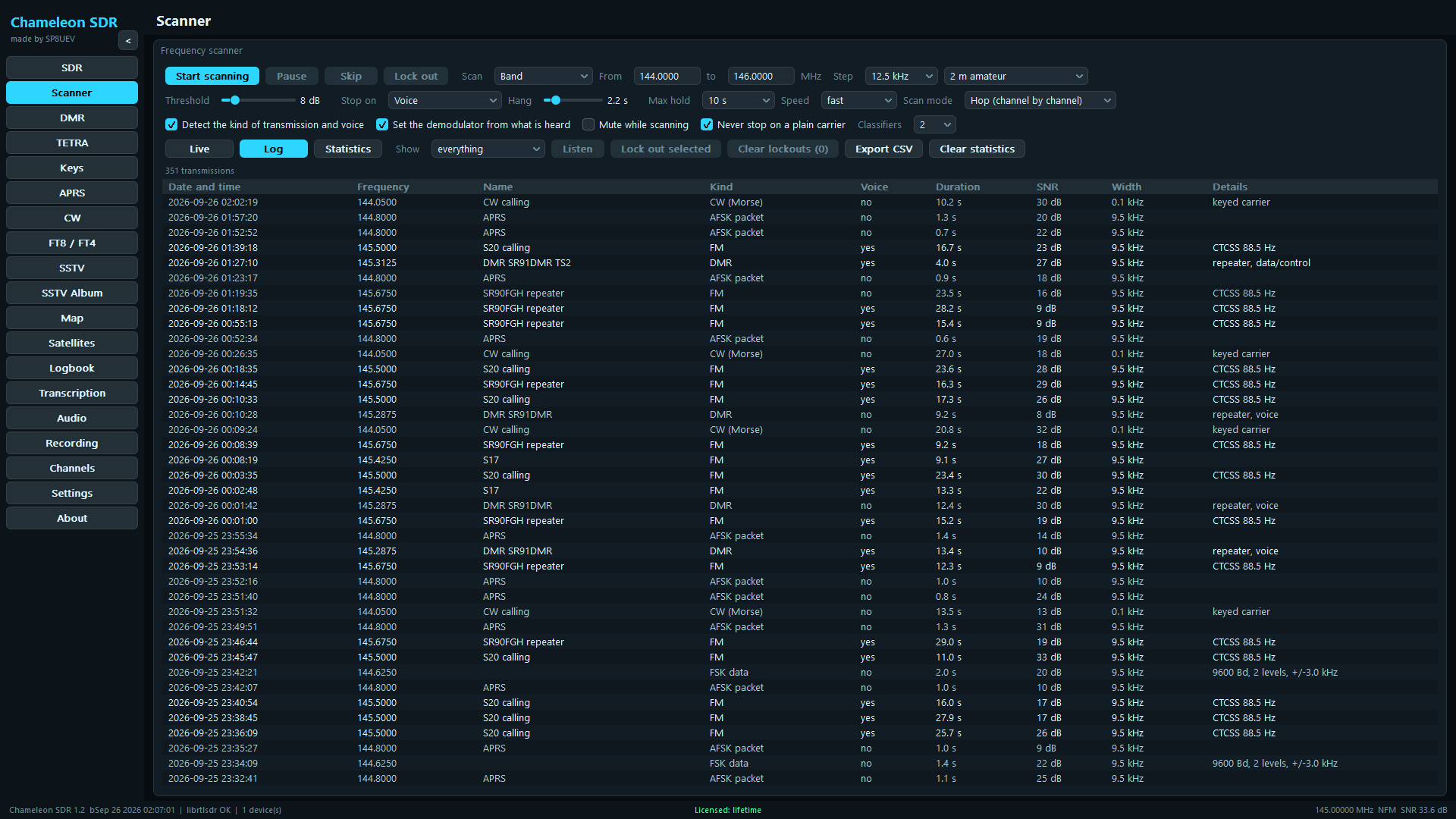
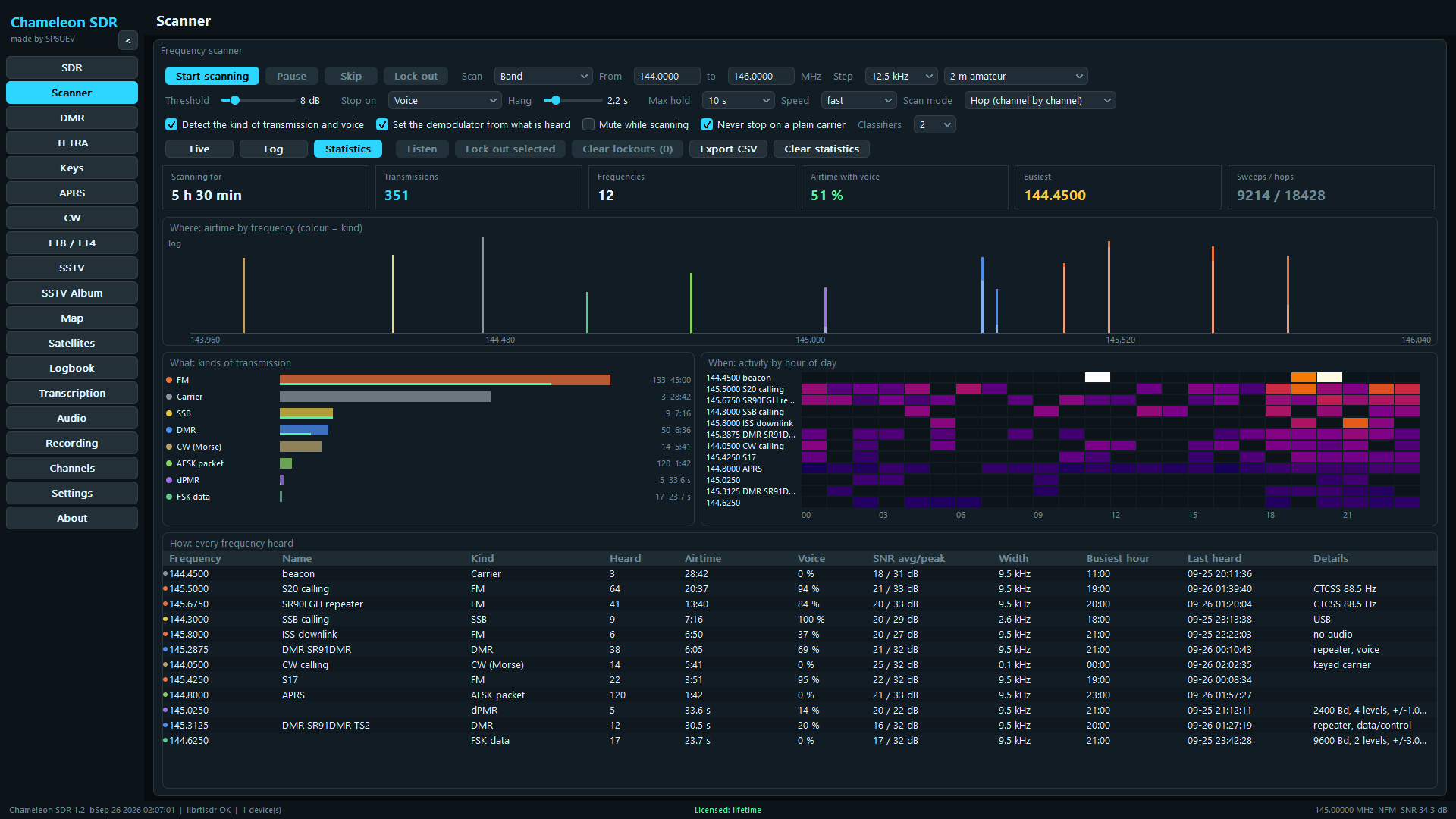
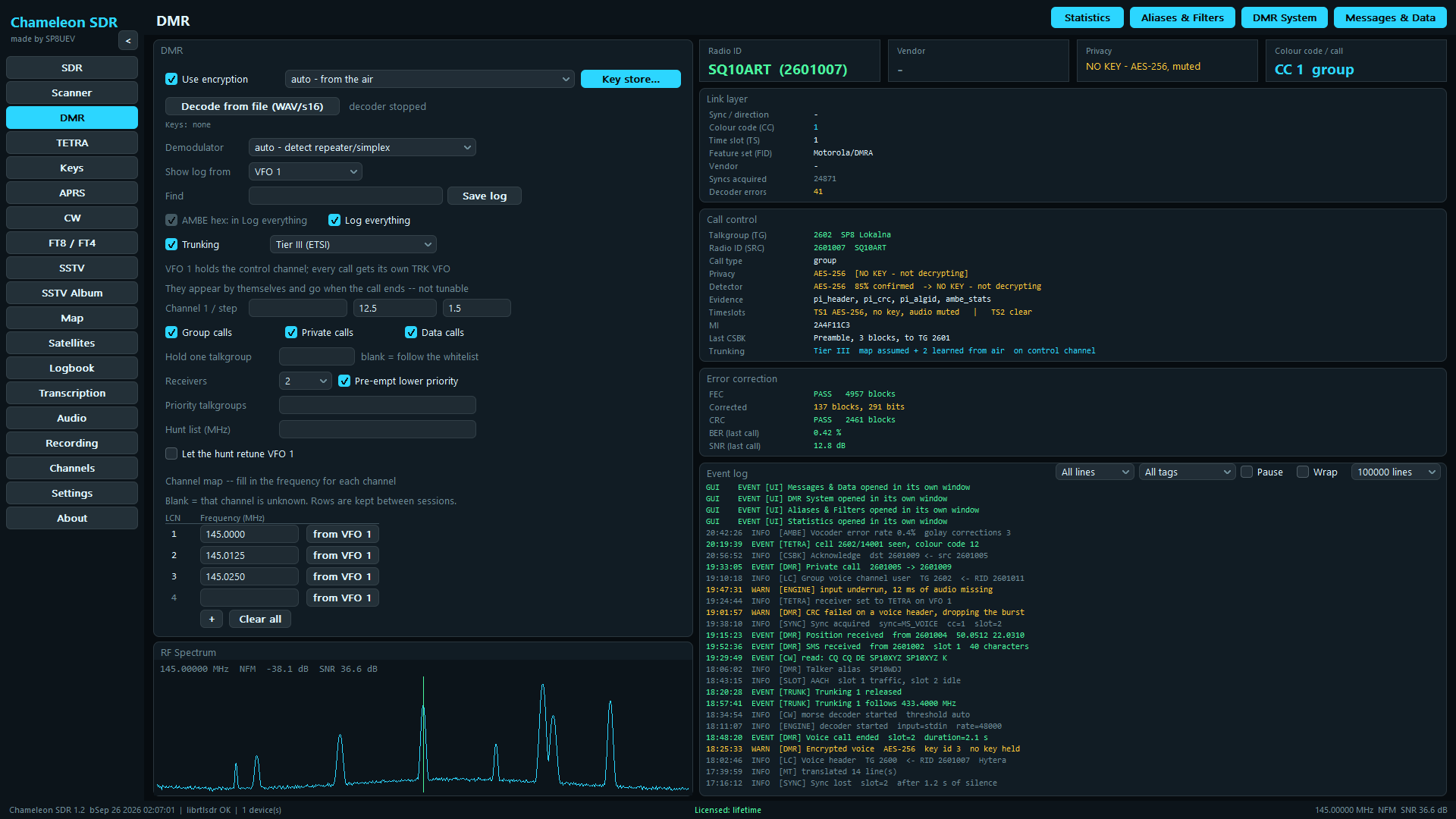
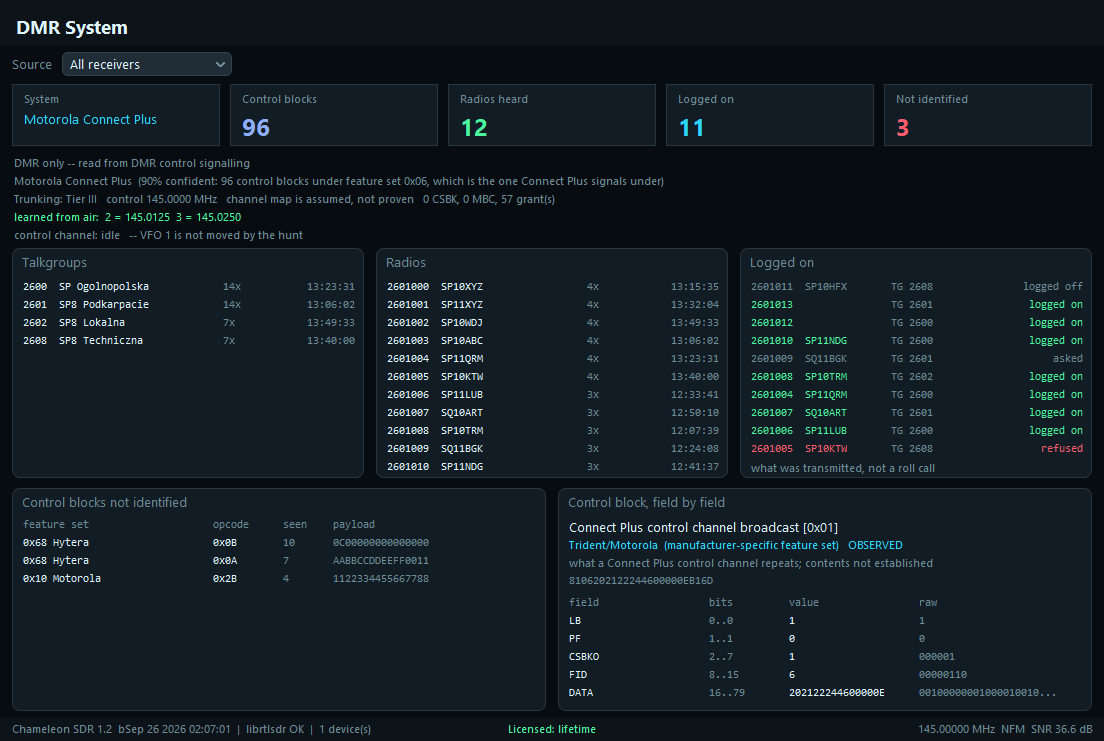
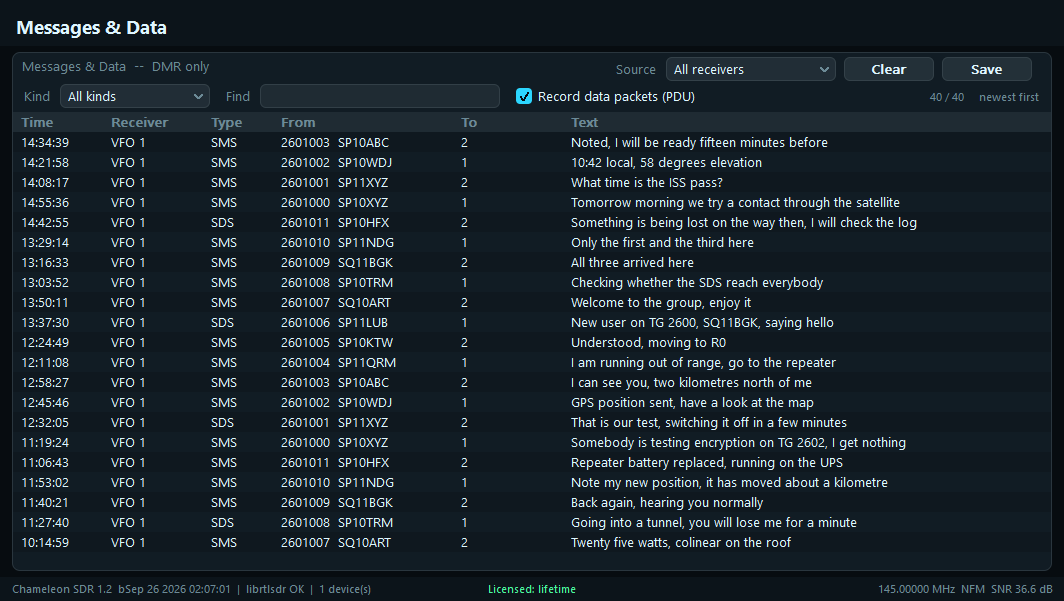
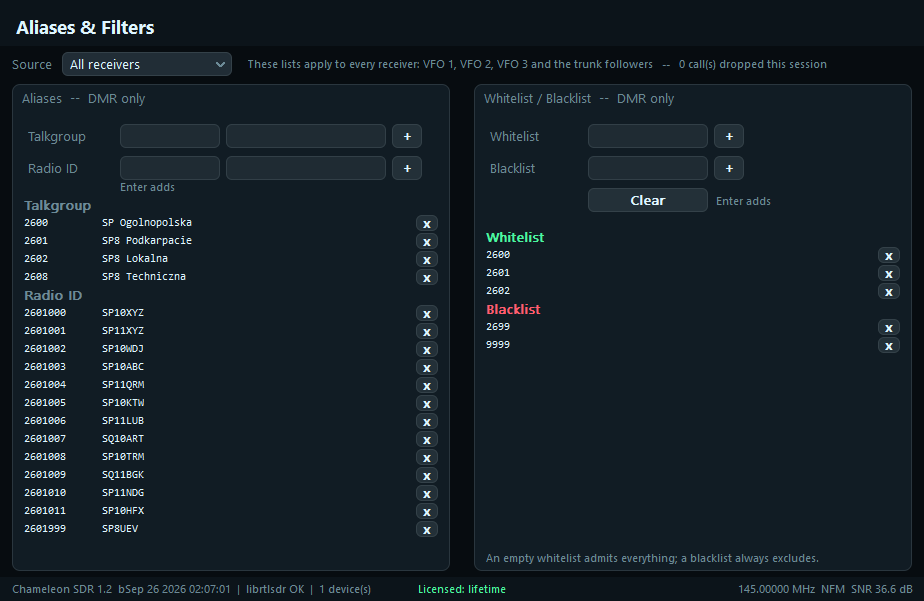
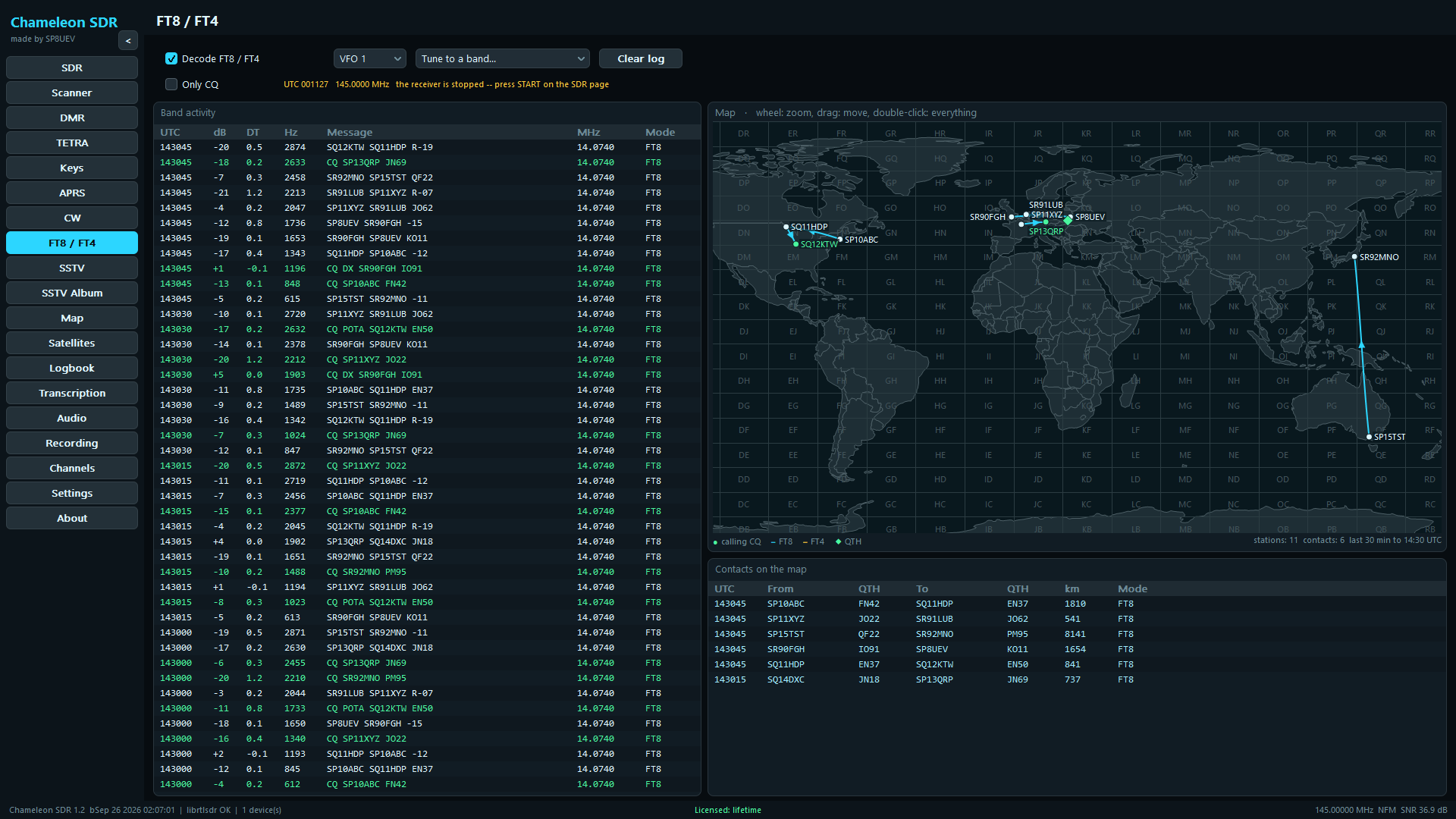
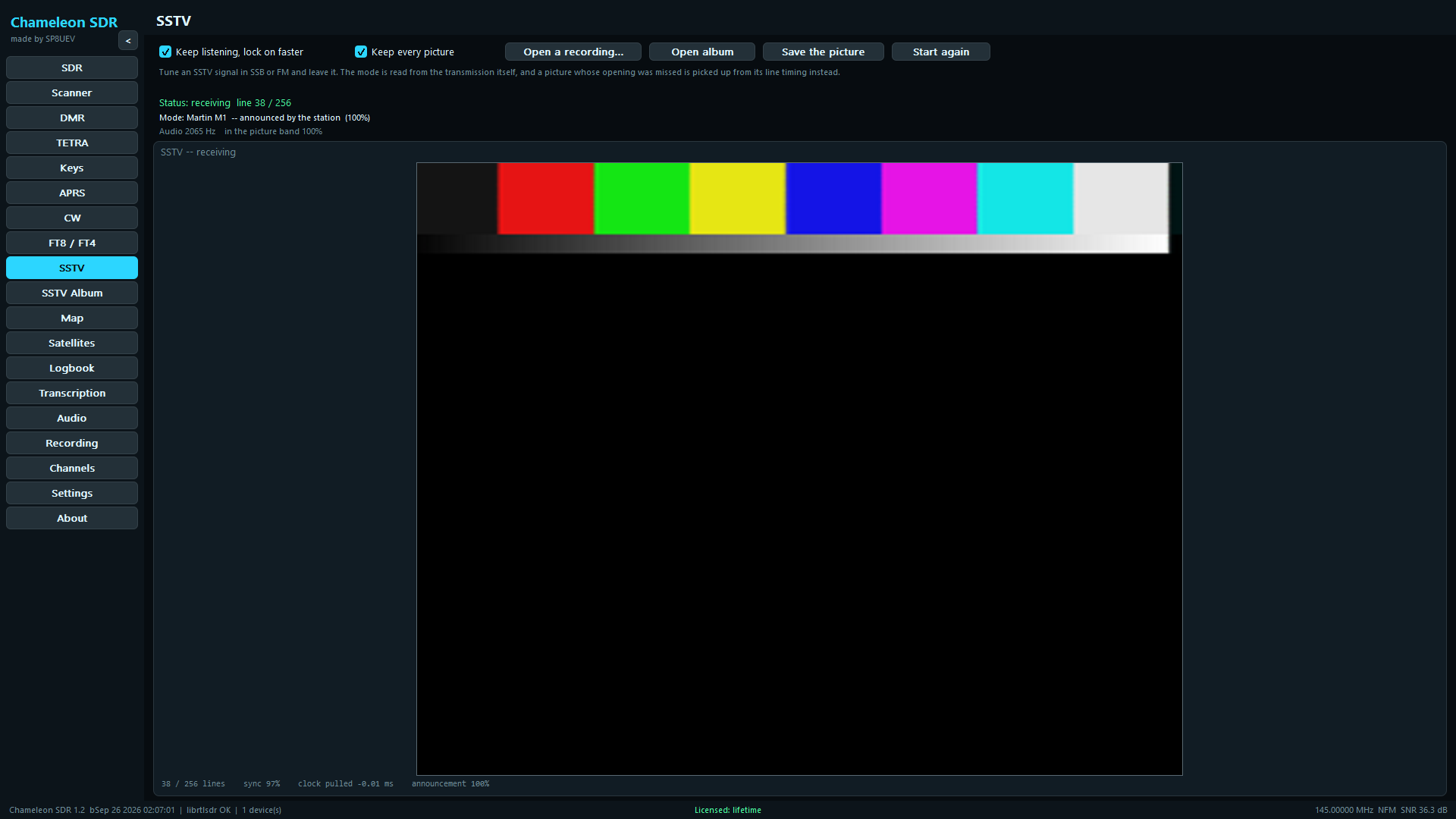
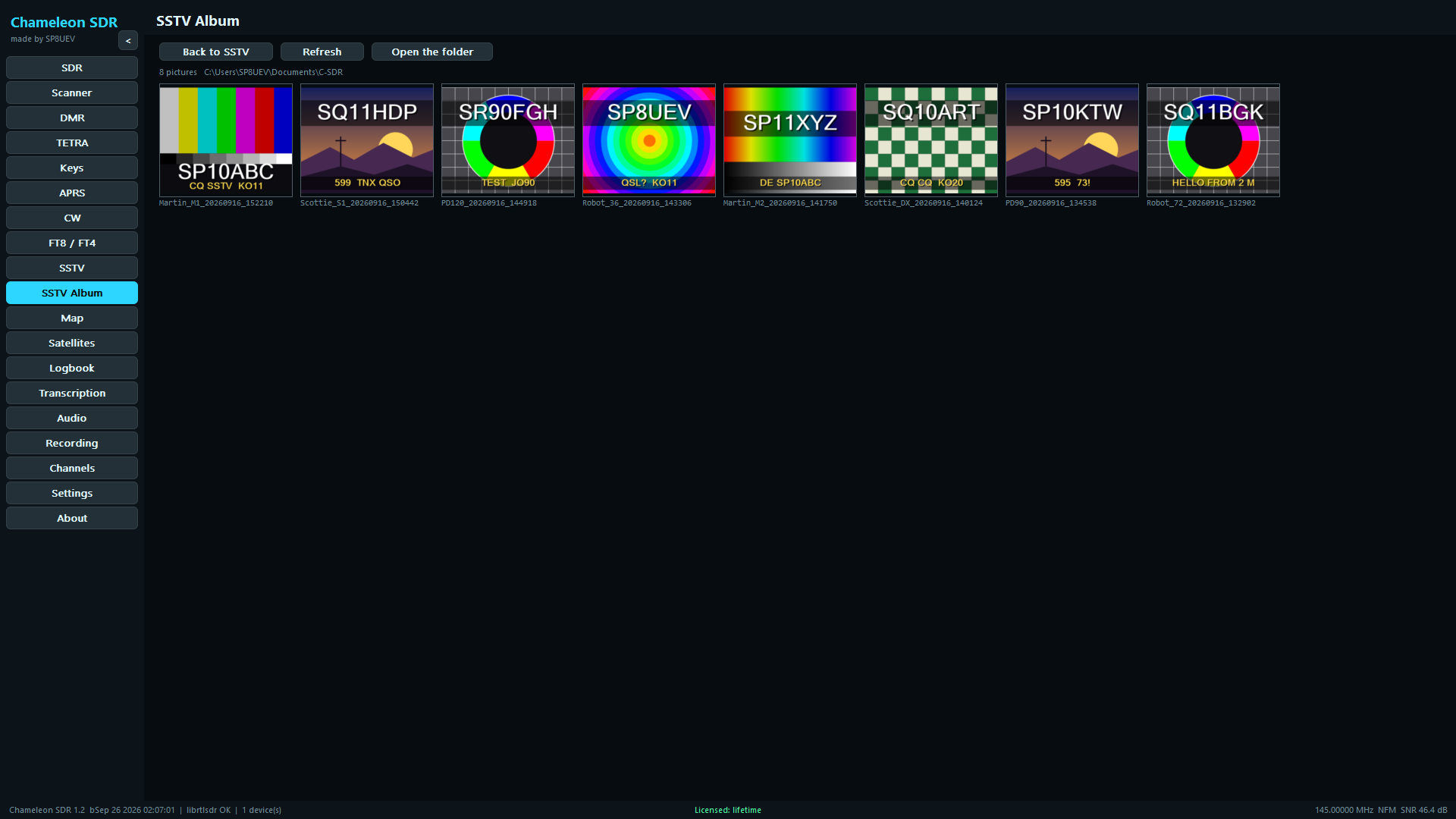
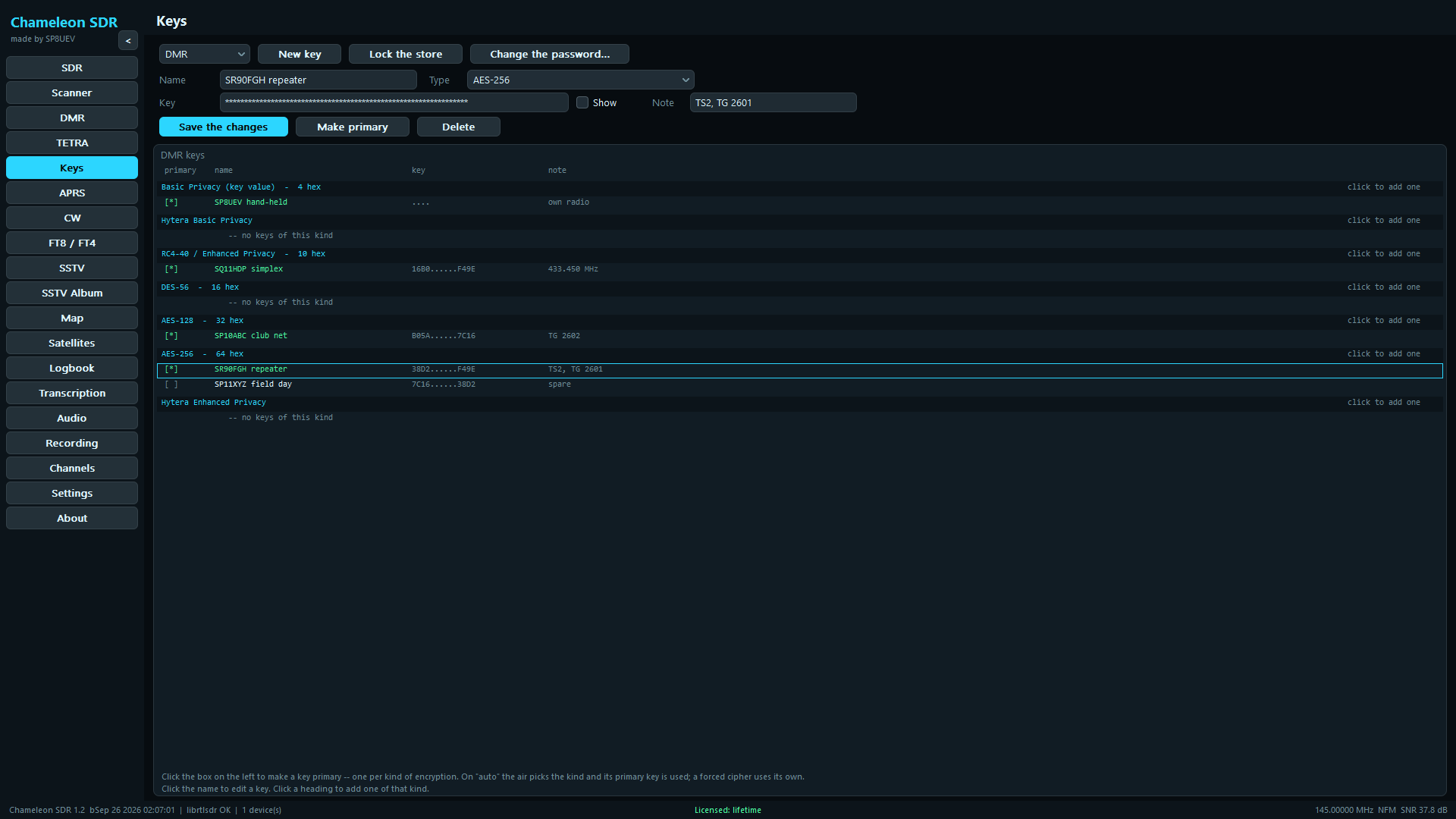
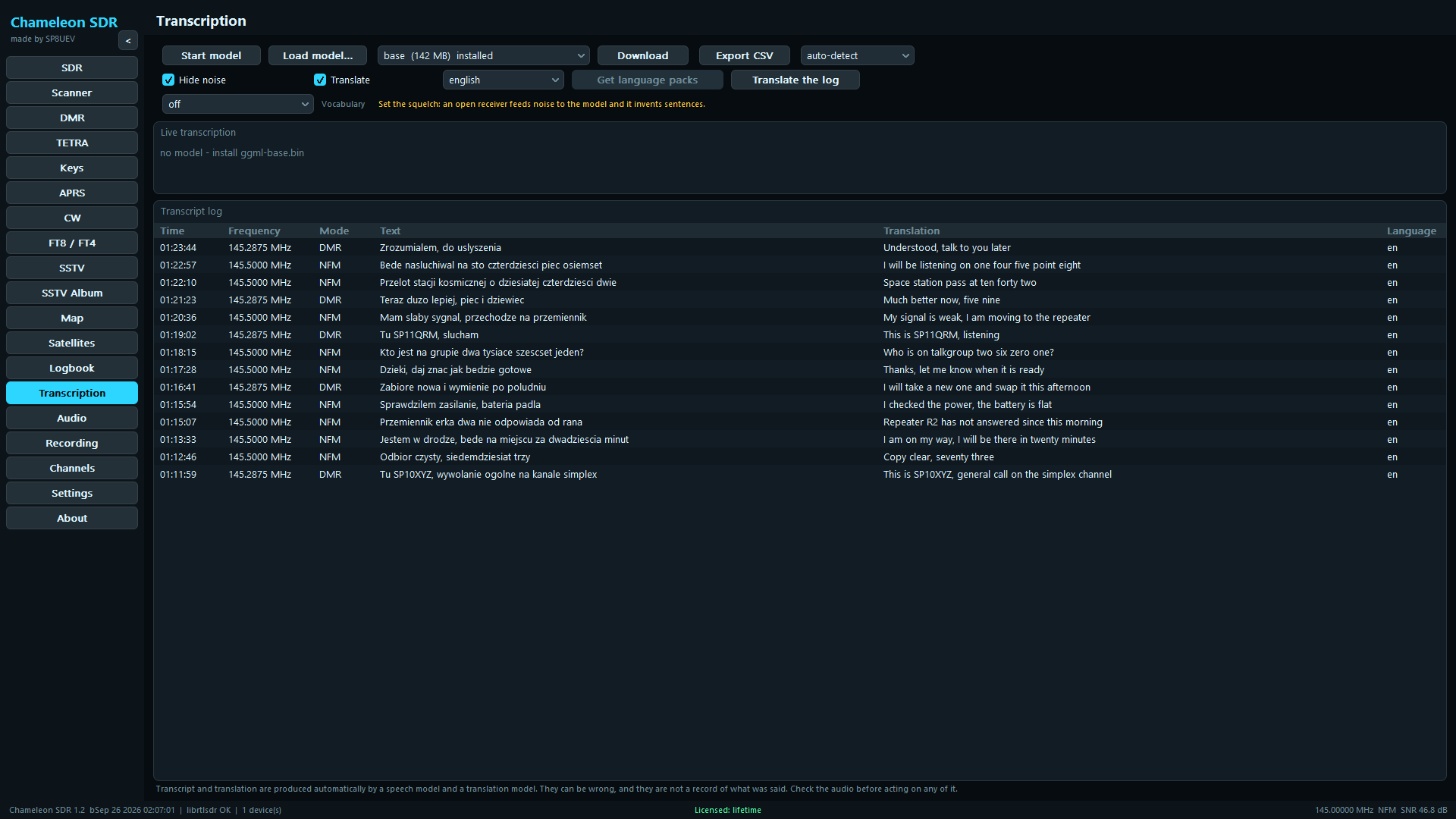
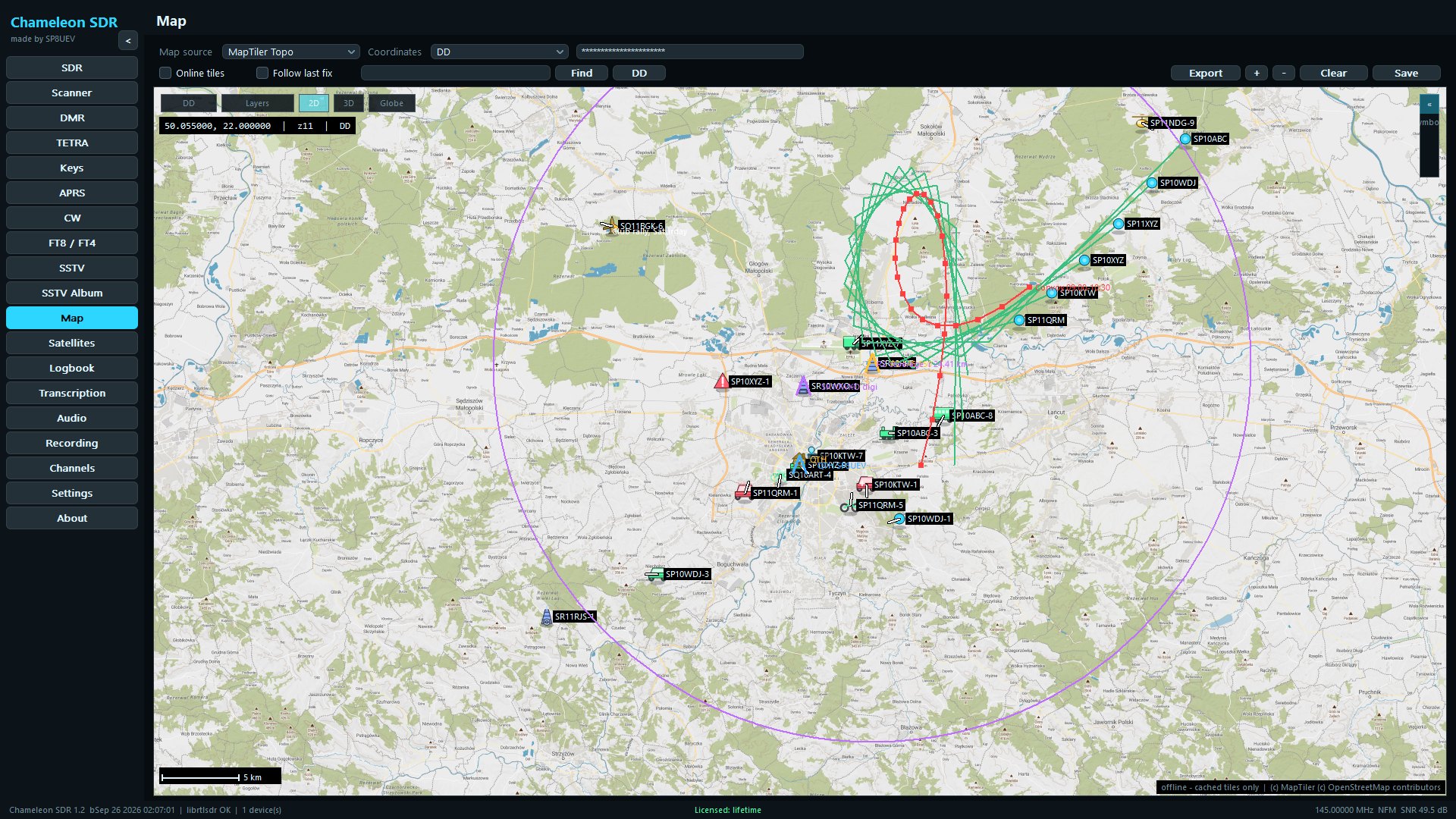
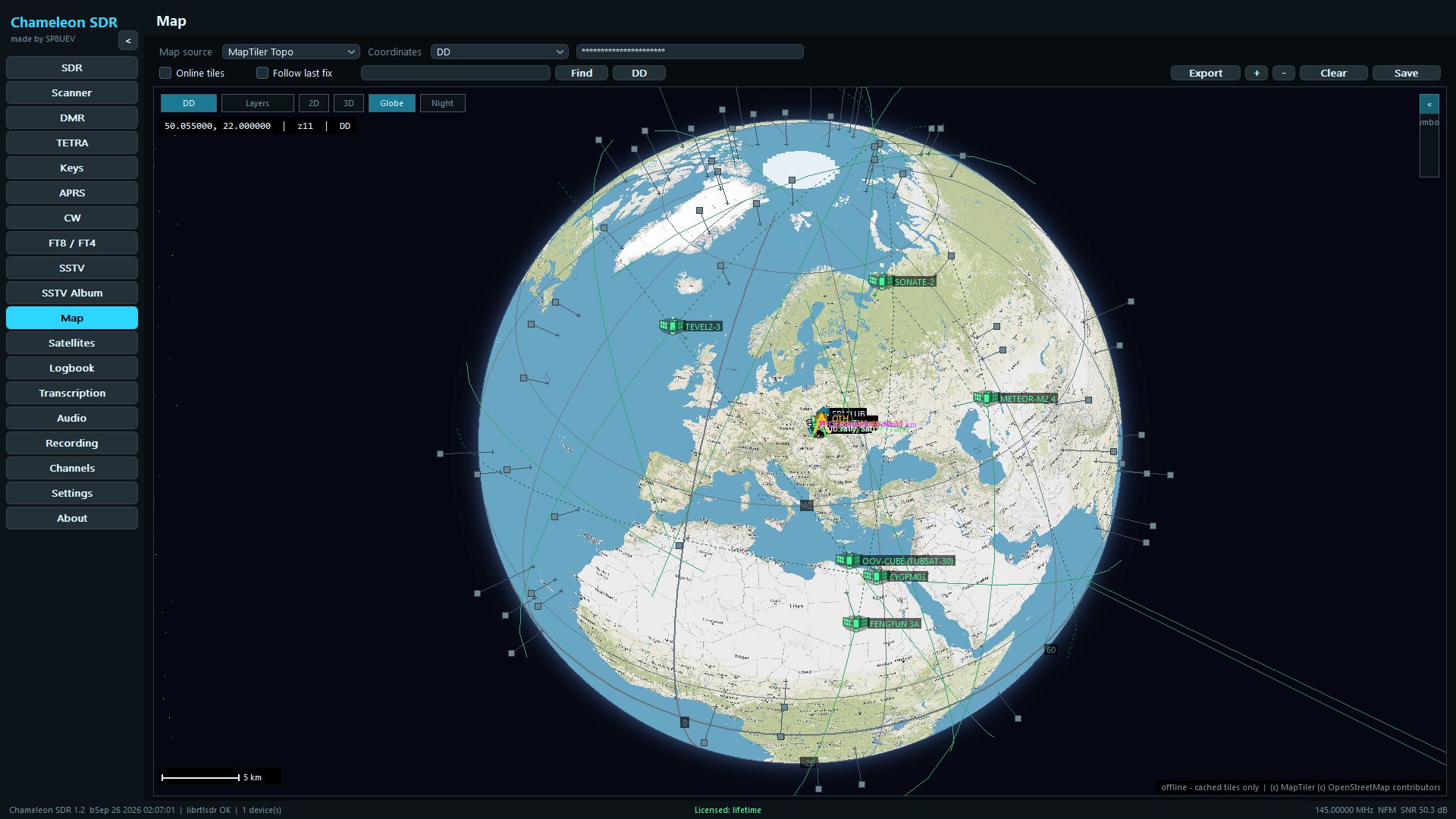
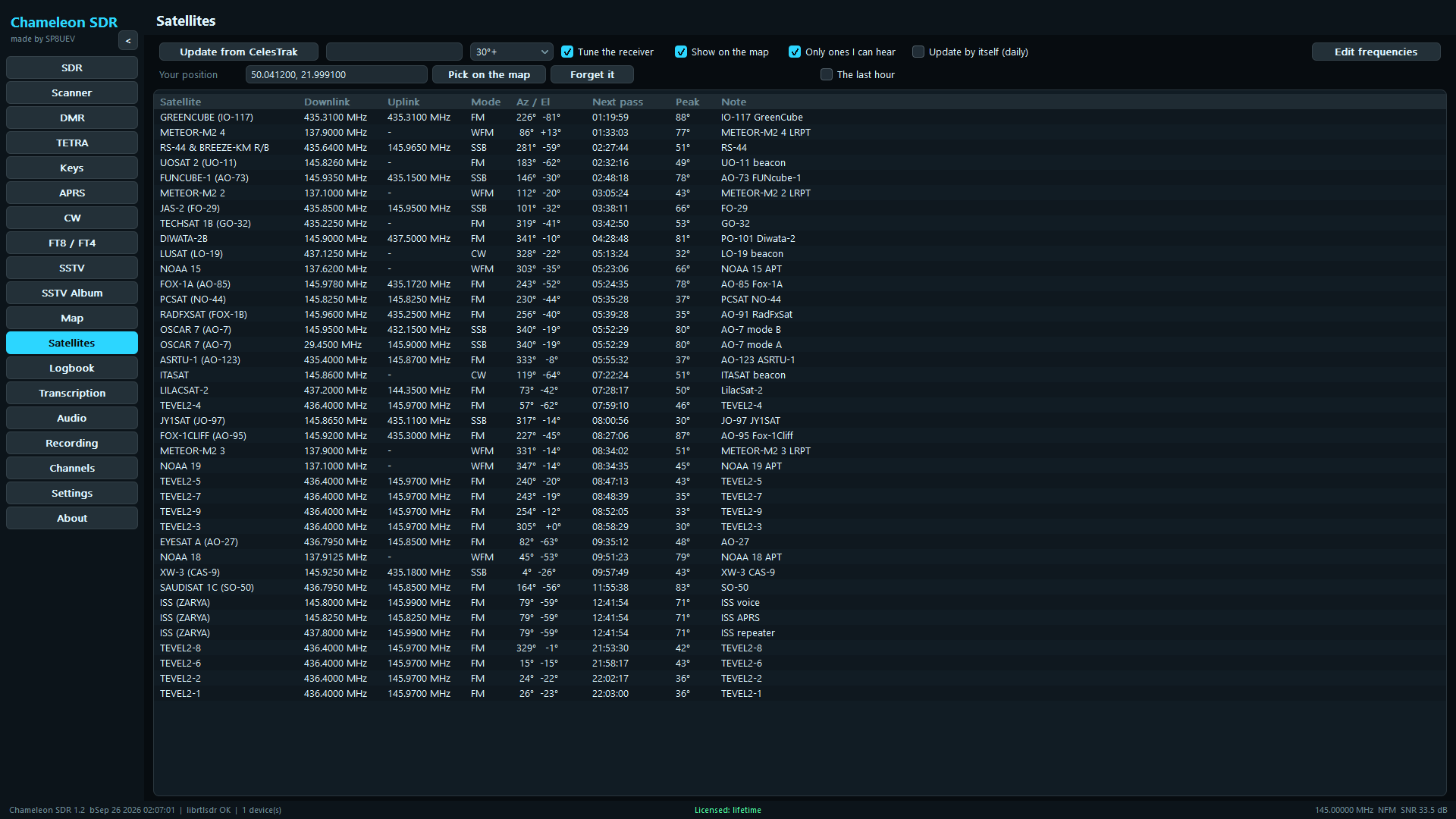
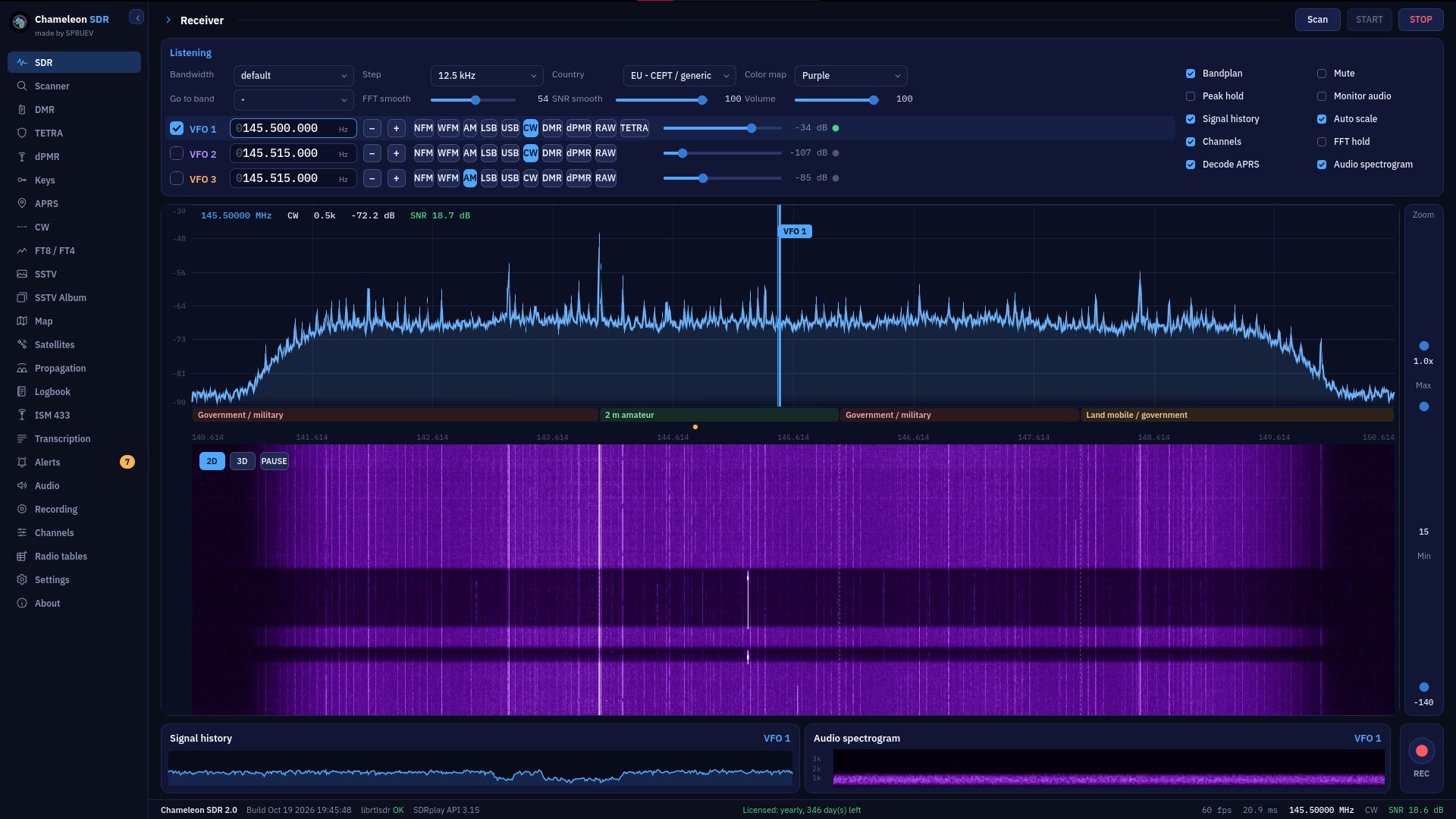
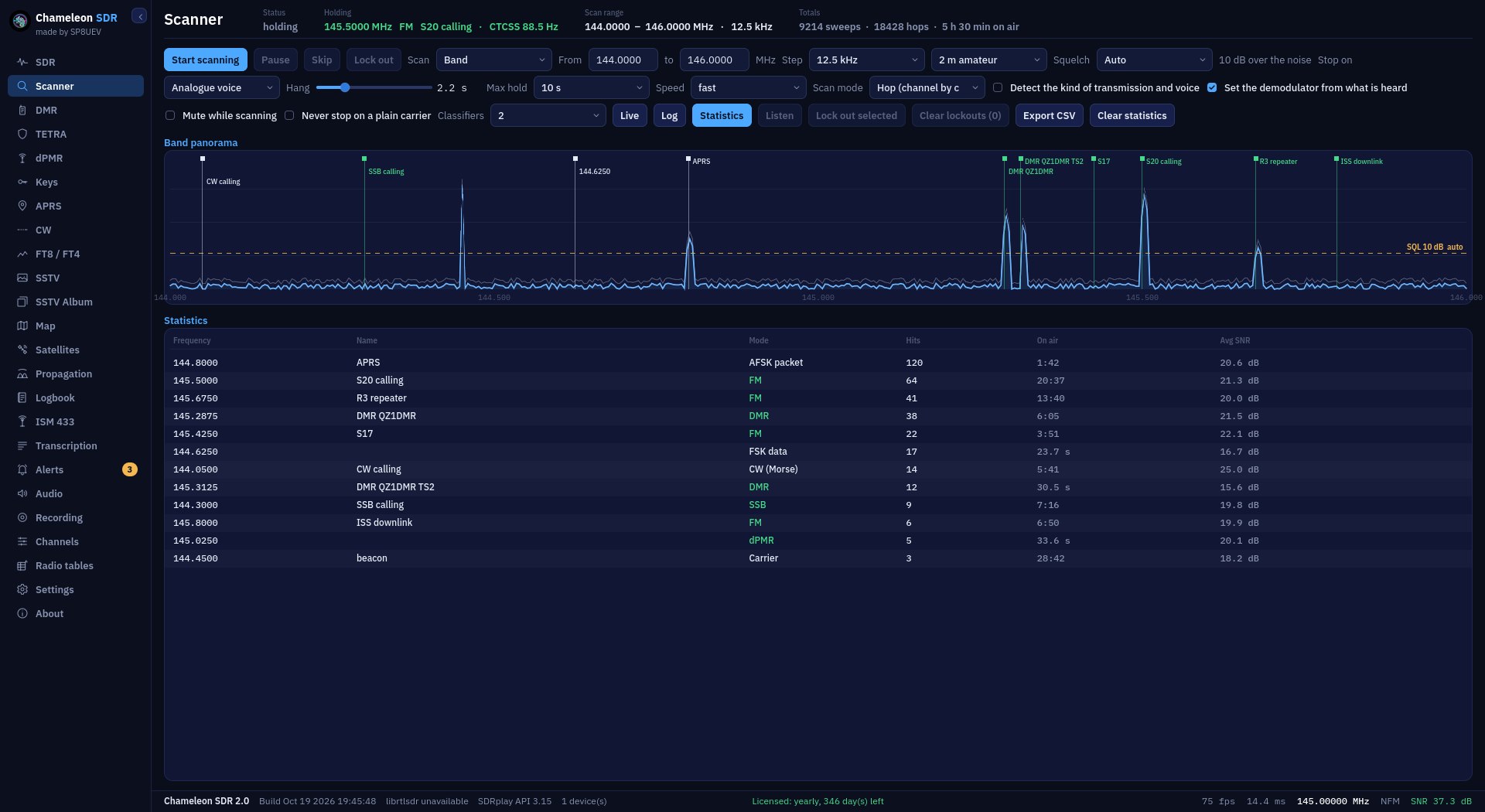
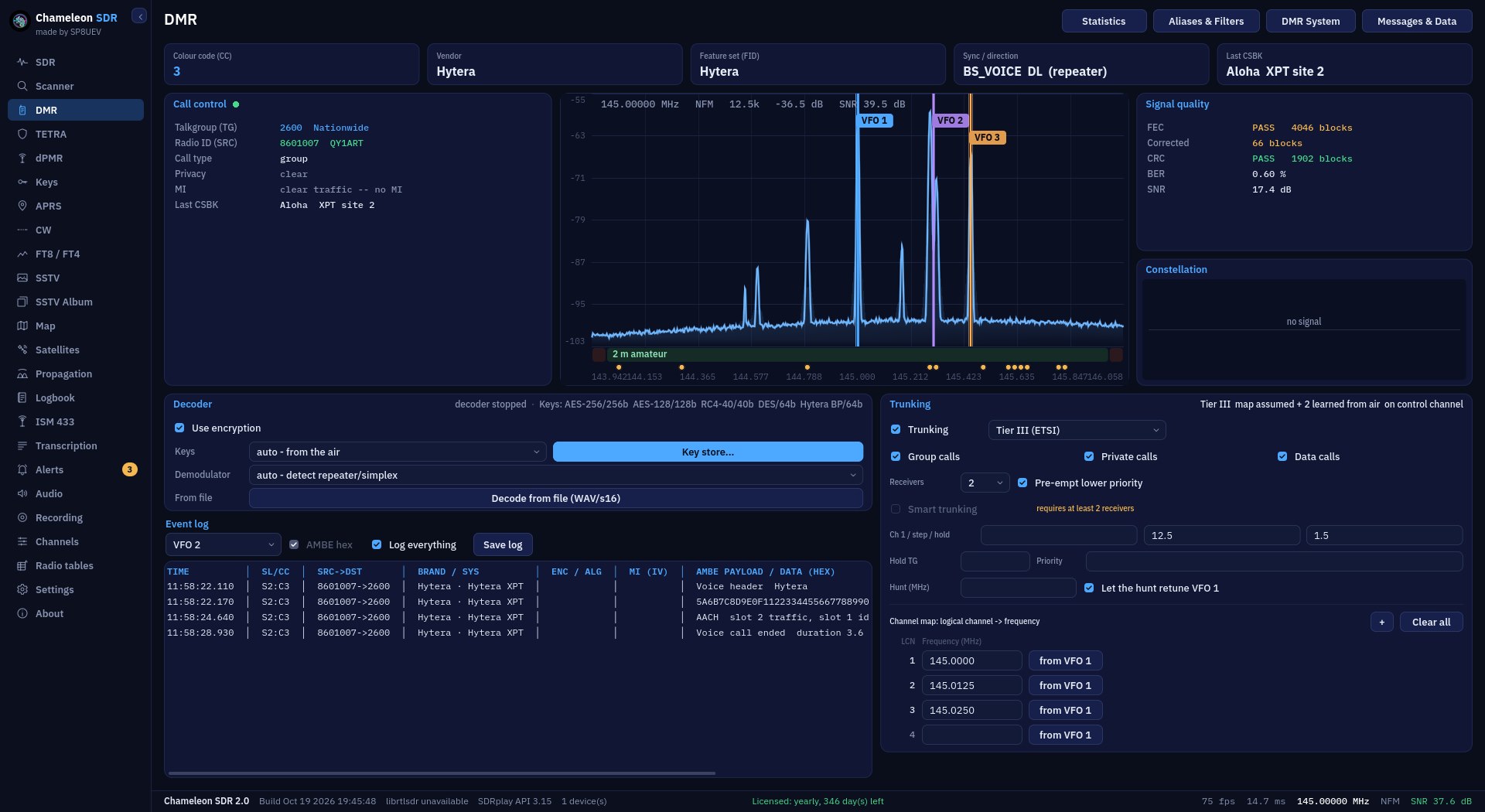
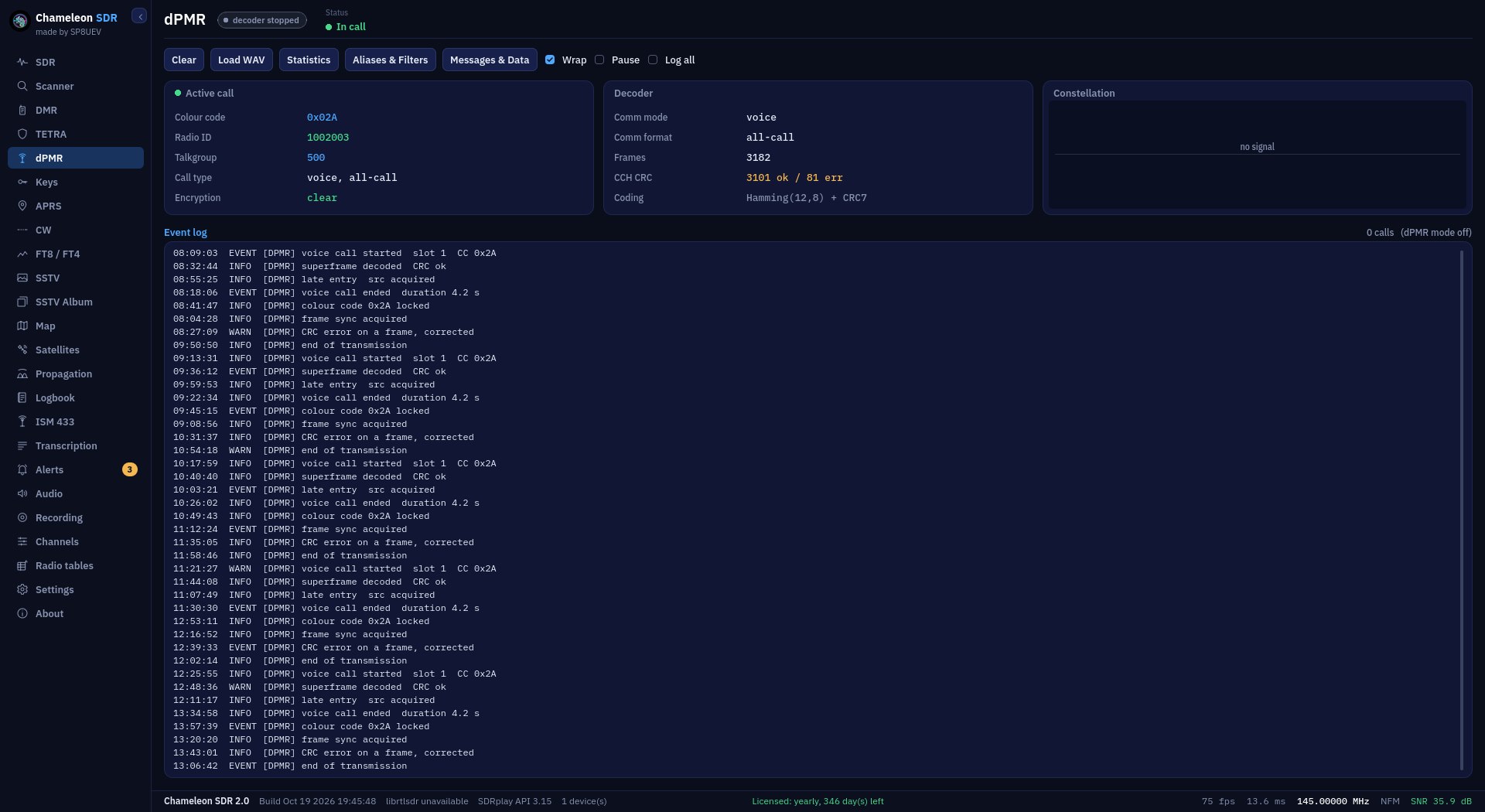
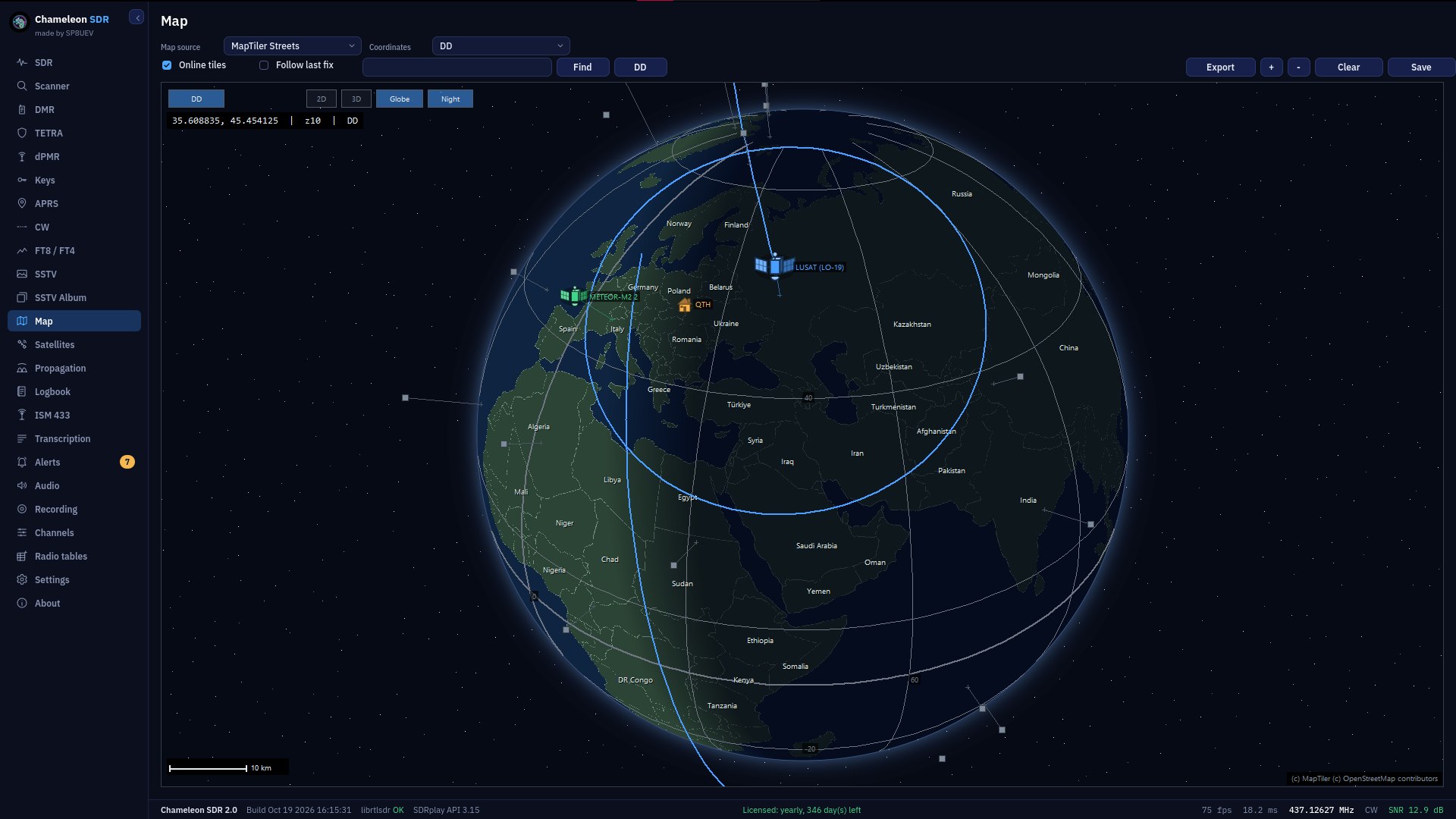
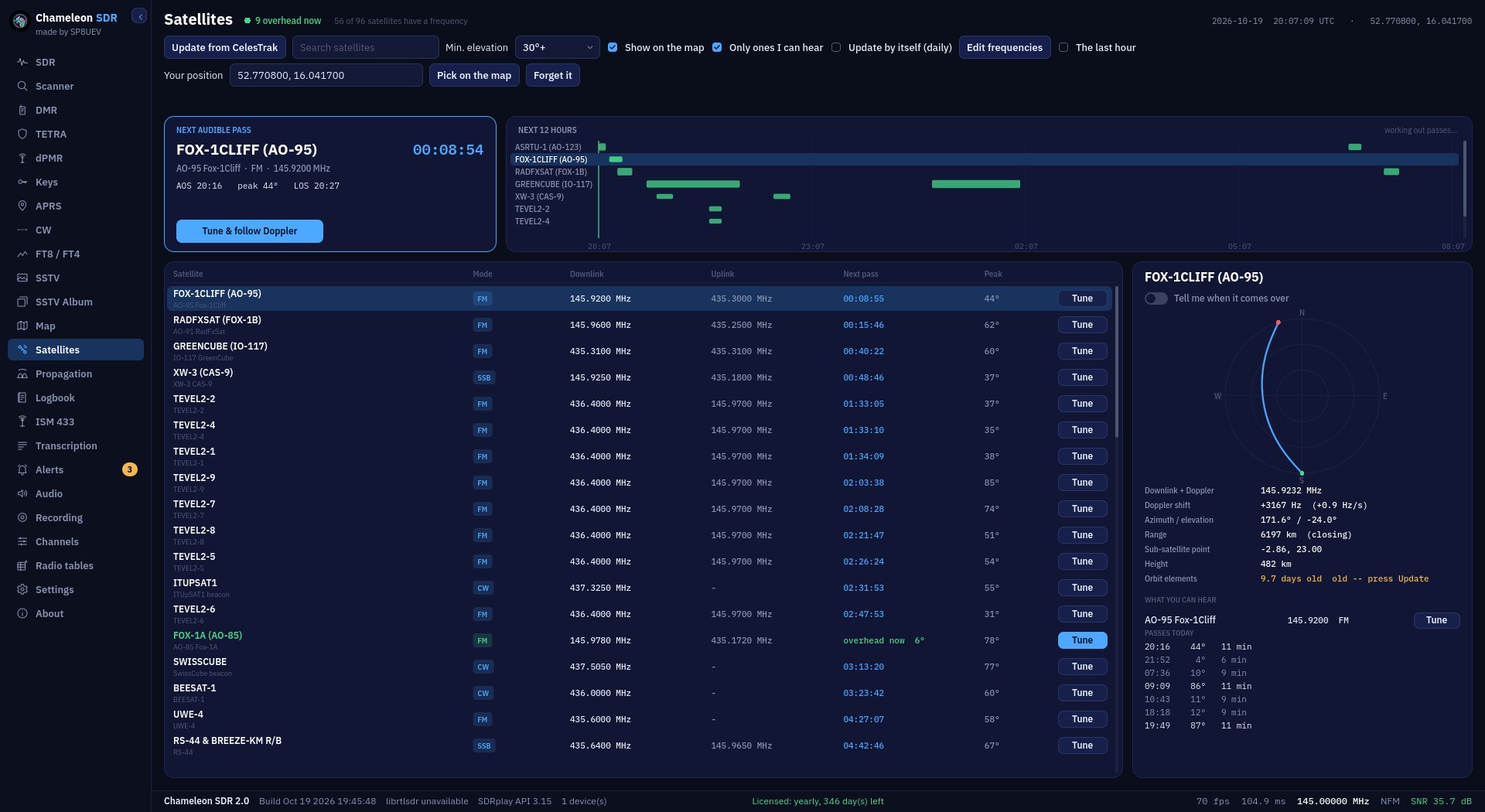
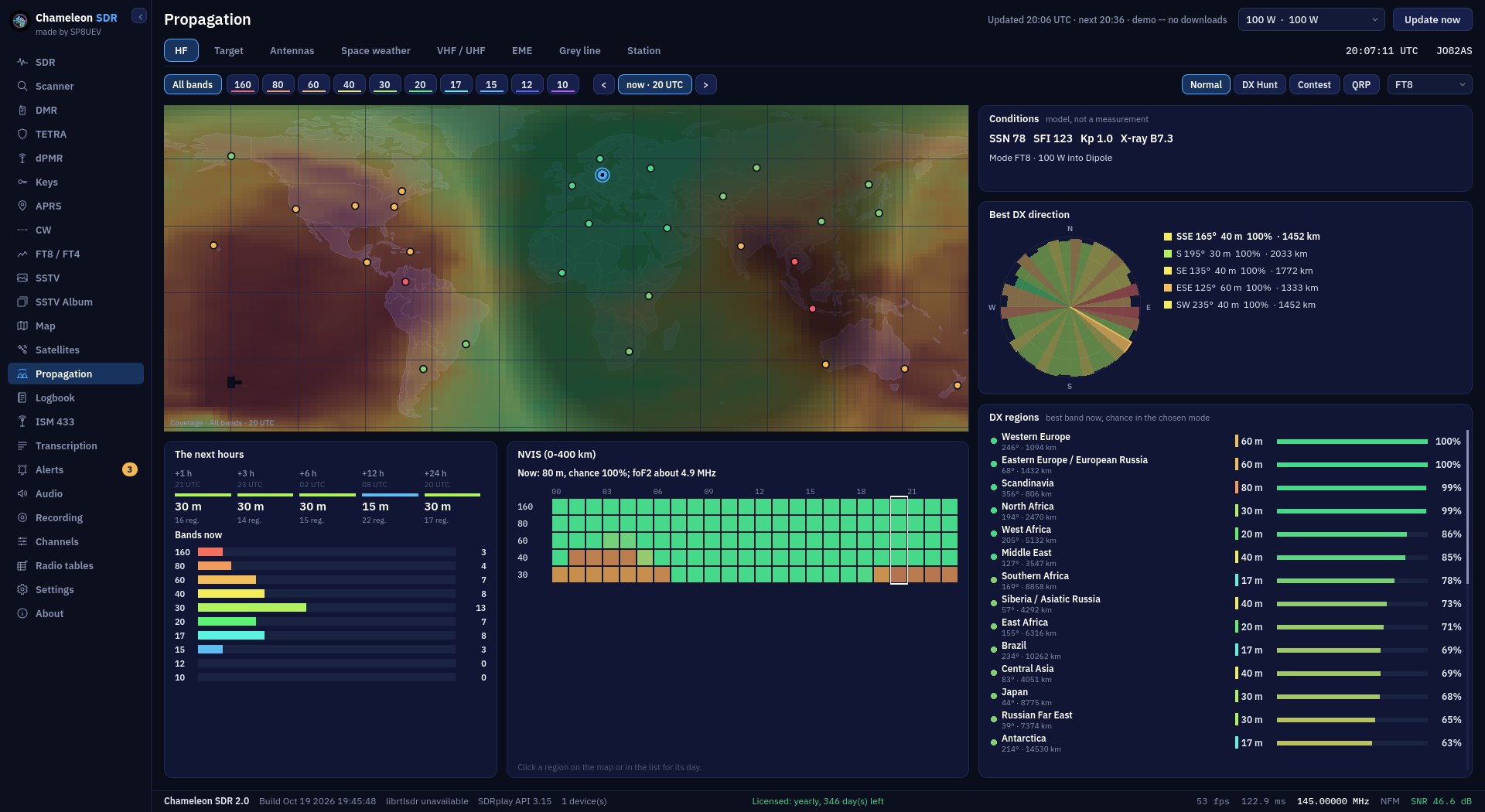
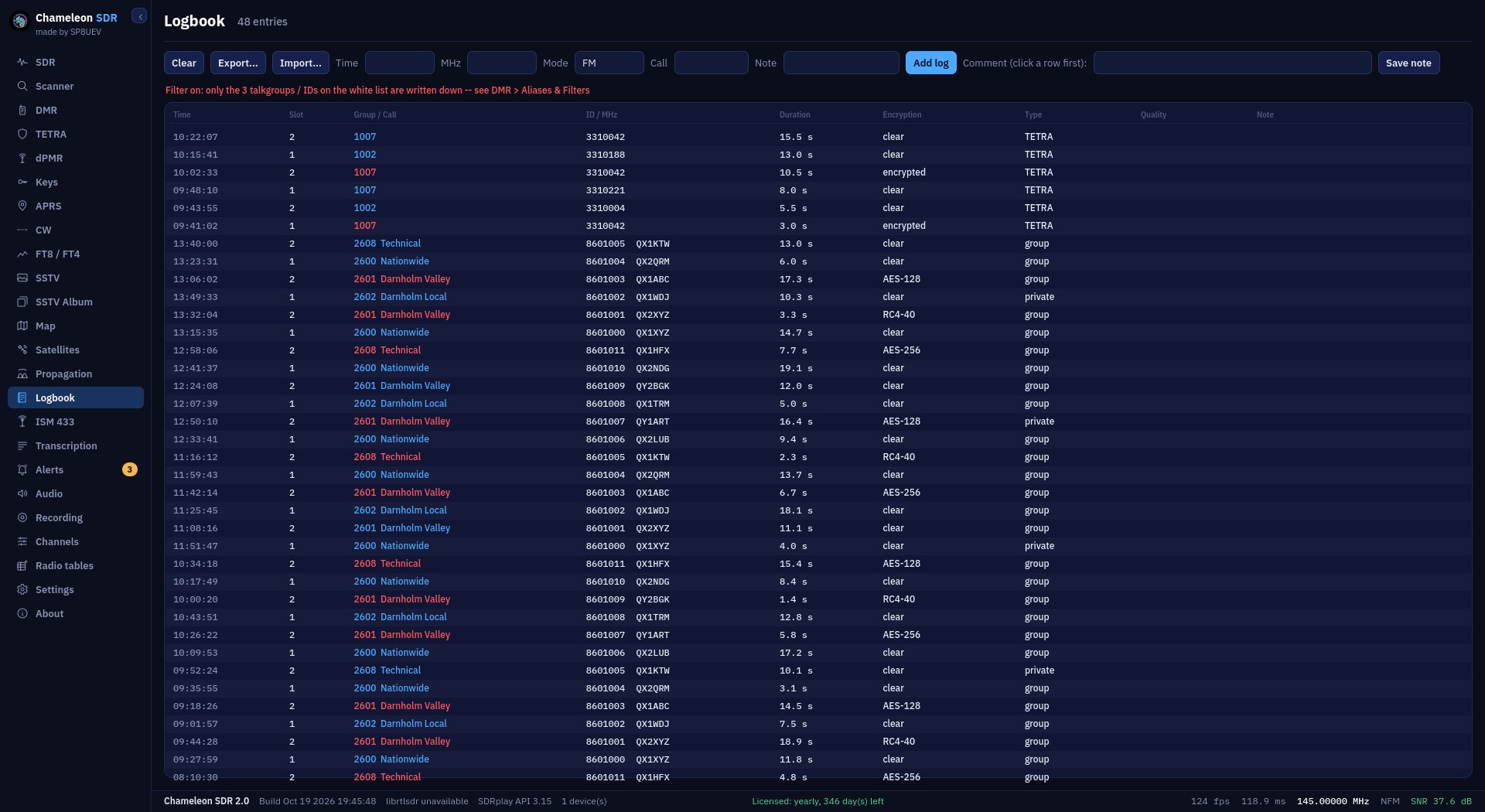
Screenshots of version 2.0 (the new look). Switch to v1 at the top of the page to see the classic 1.3.5 look.
Screenshots of the classic look (v1). Switch to v2 at the top of the page to see the new 2.0 look.
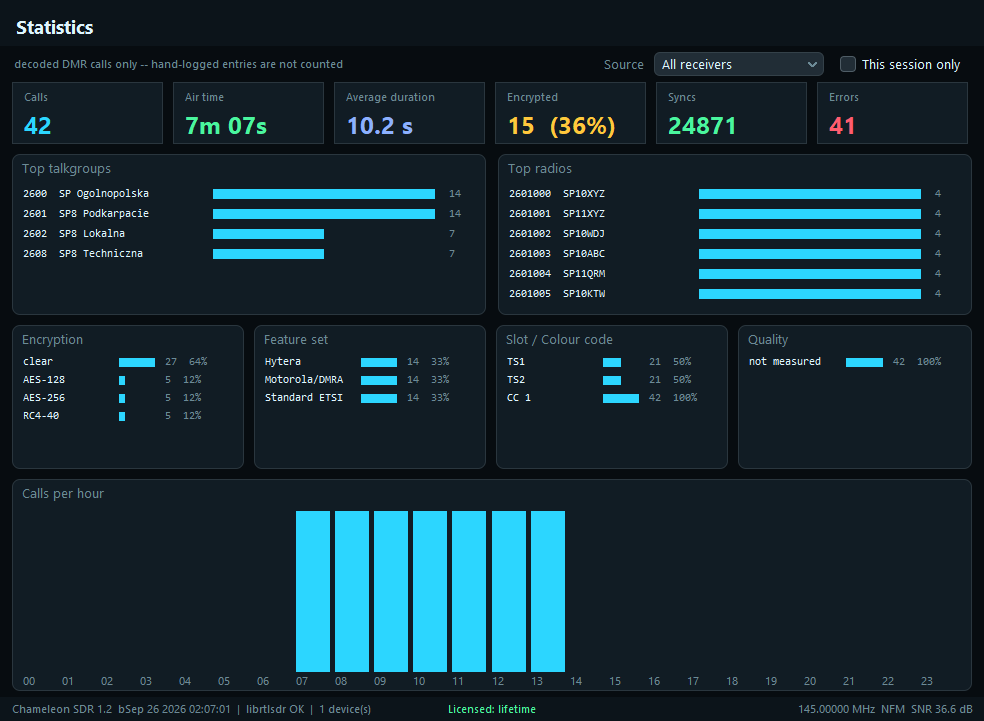
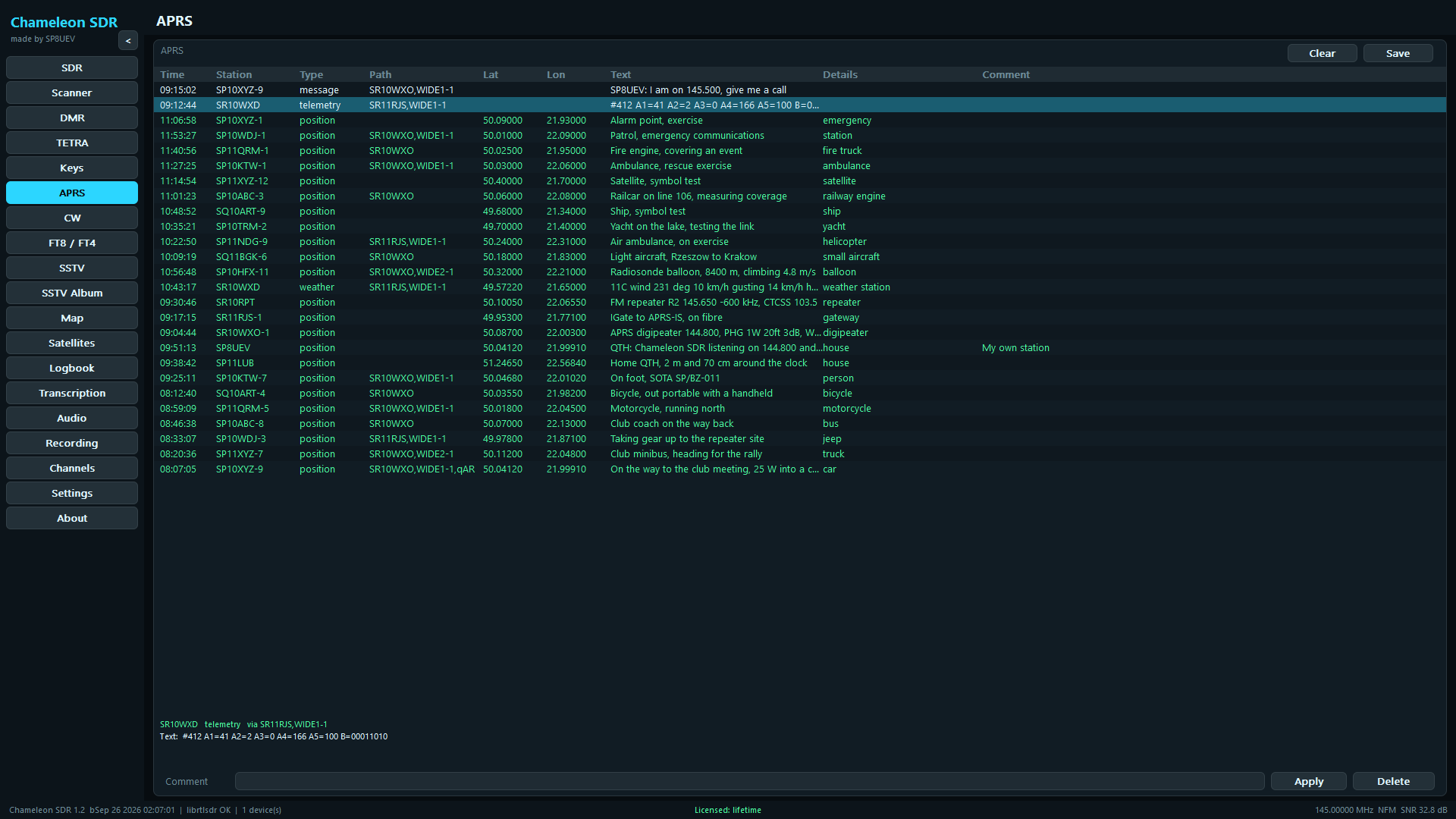
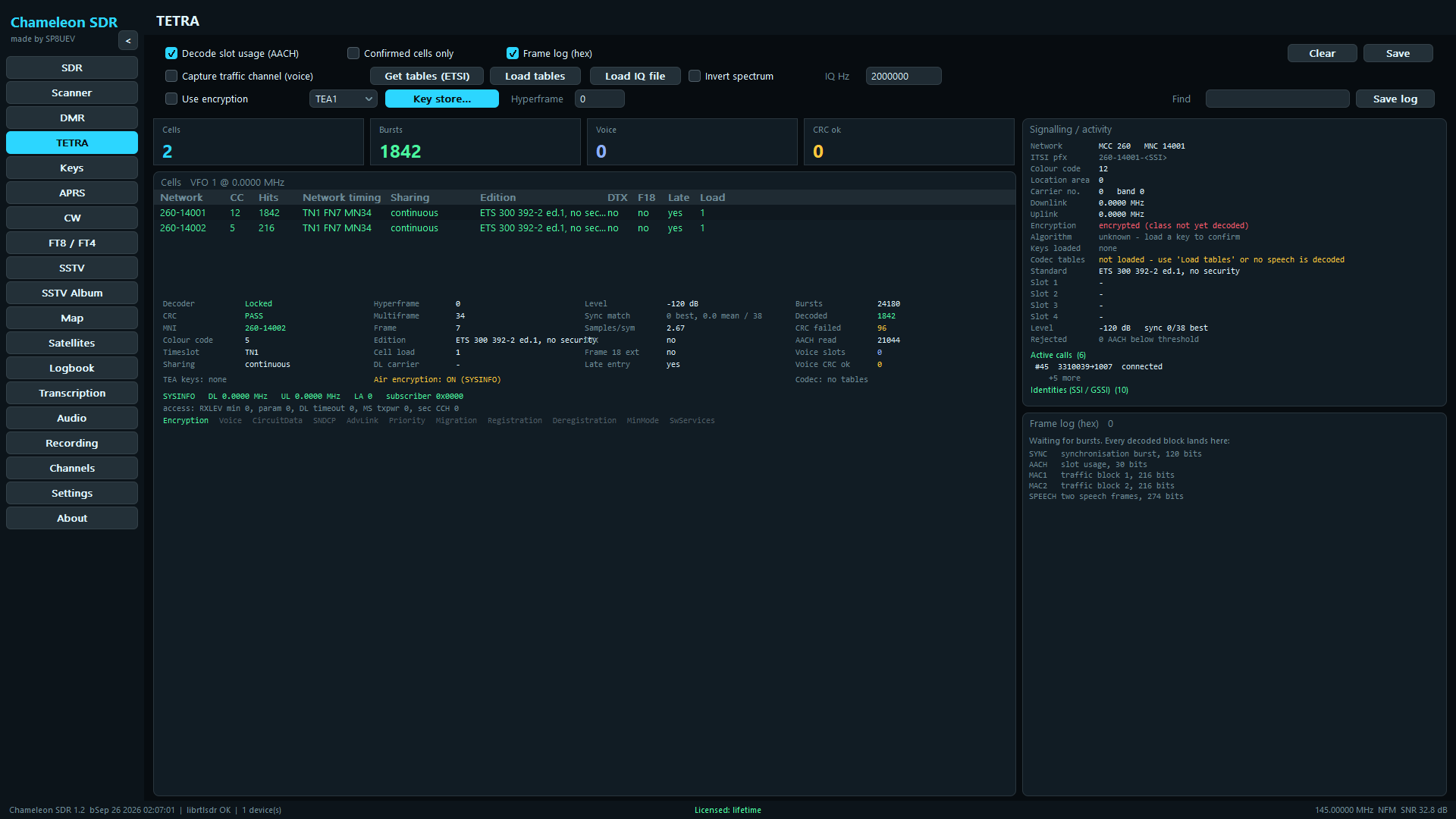
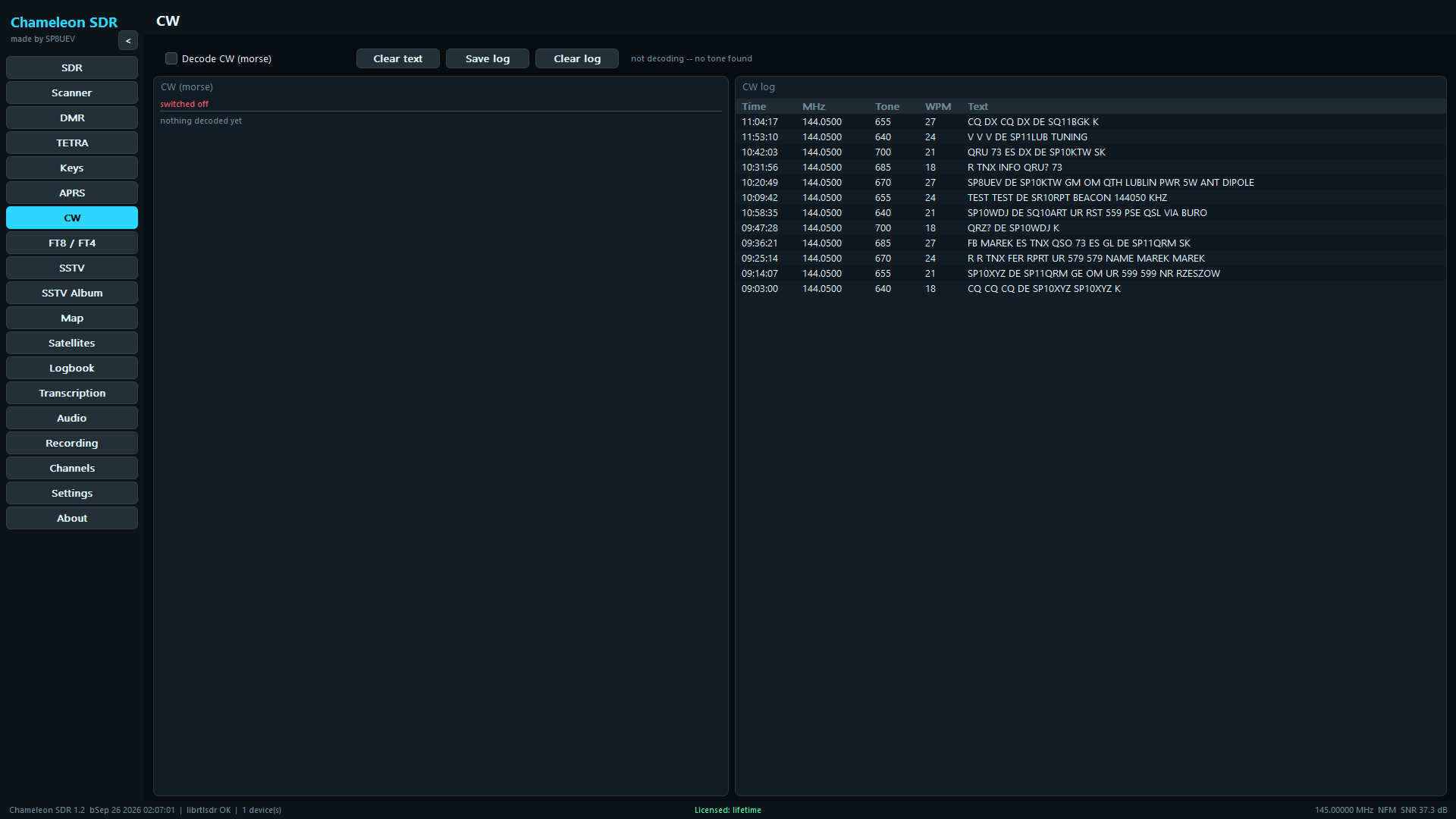
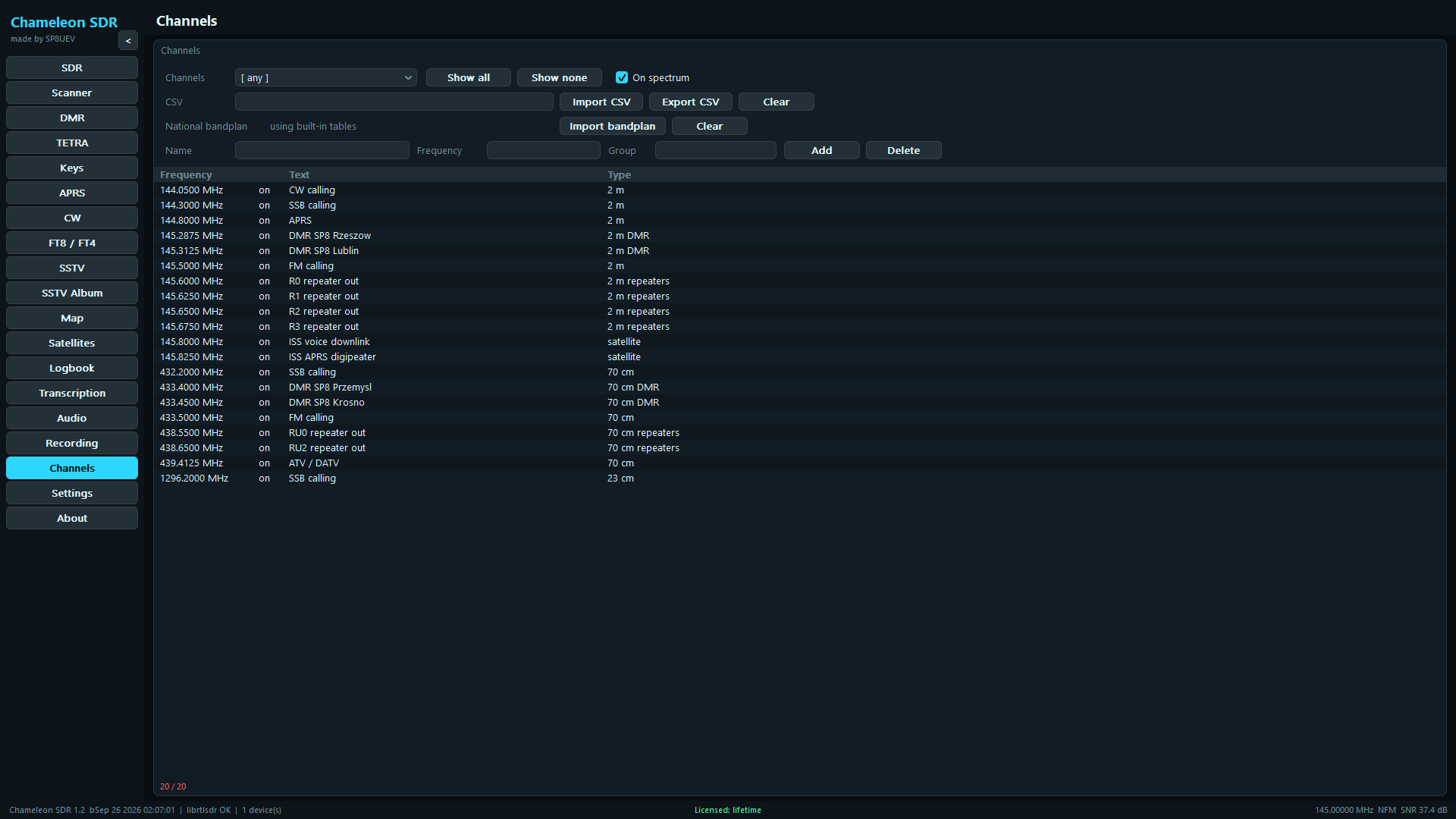
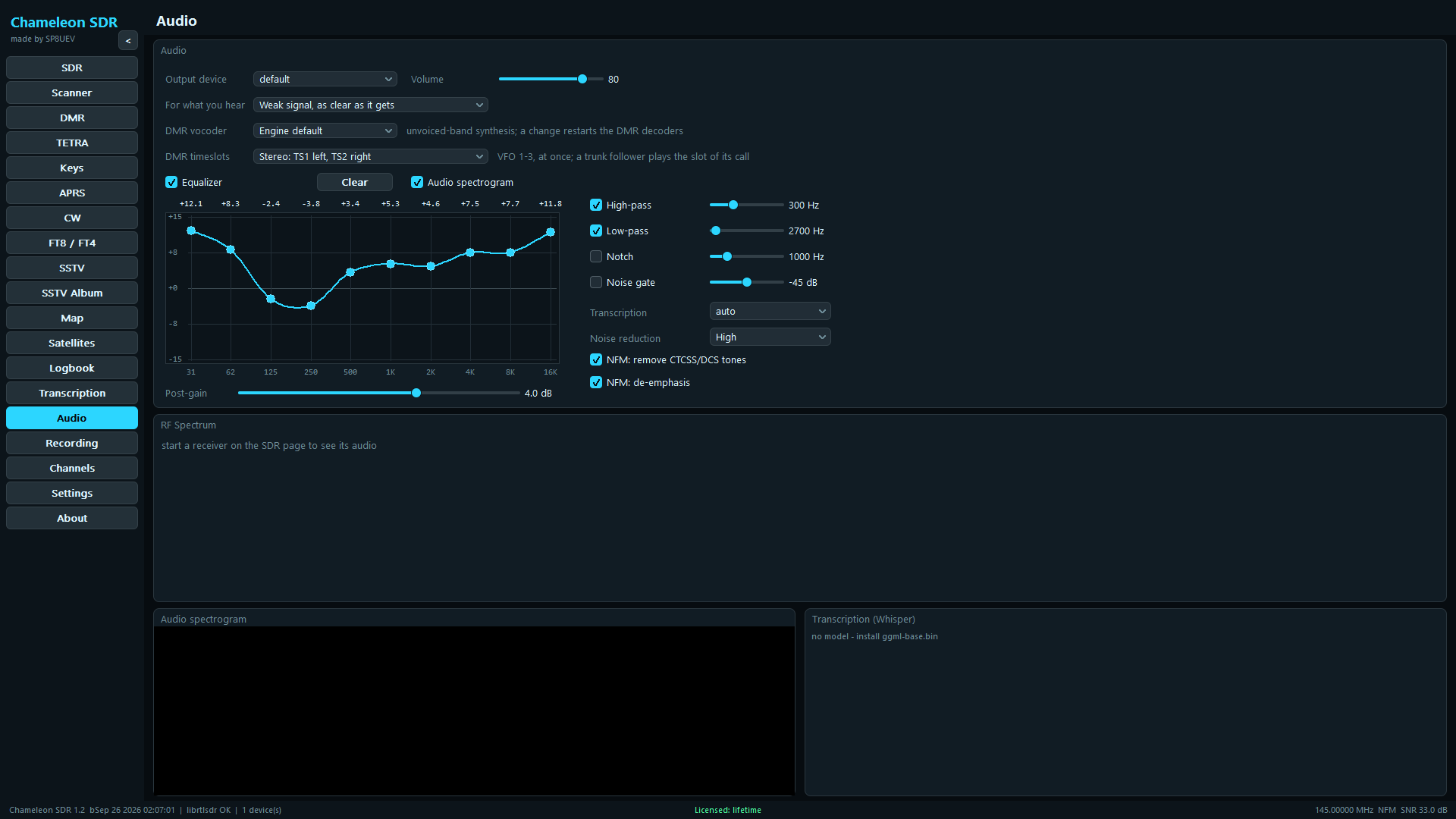
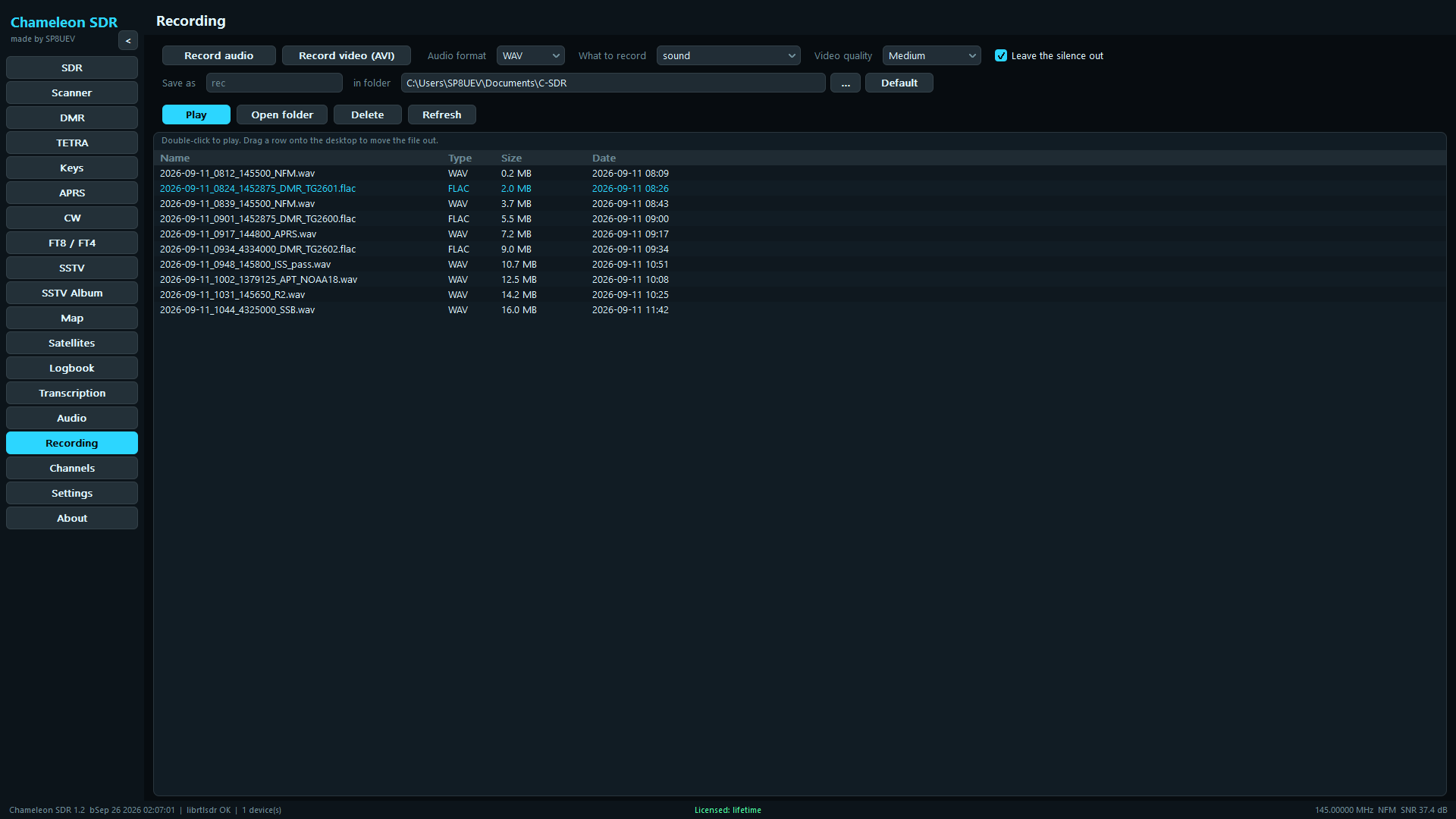
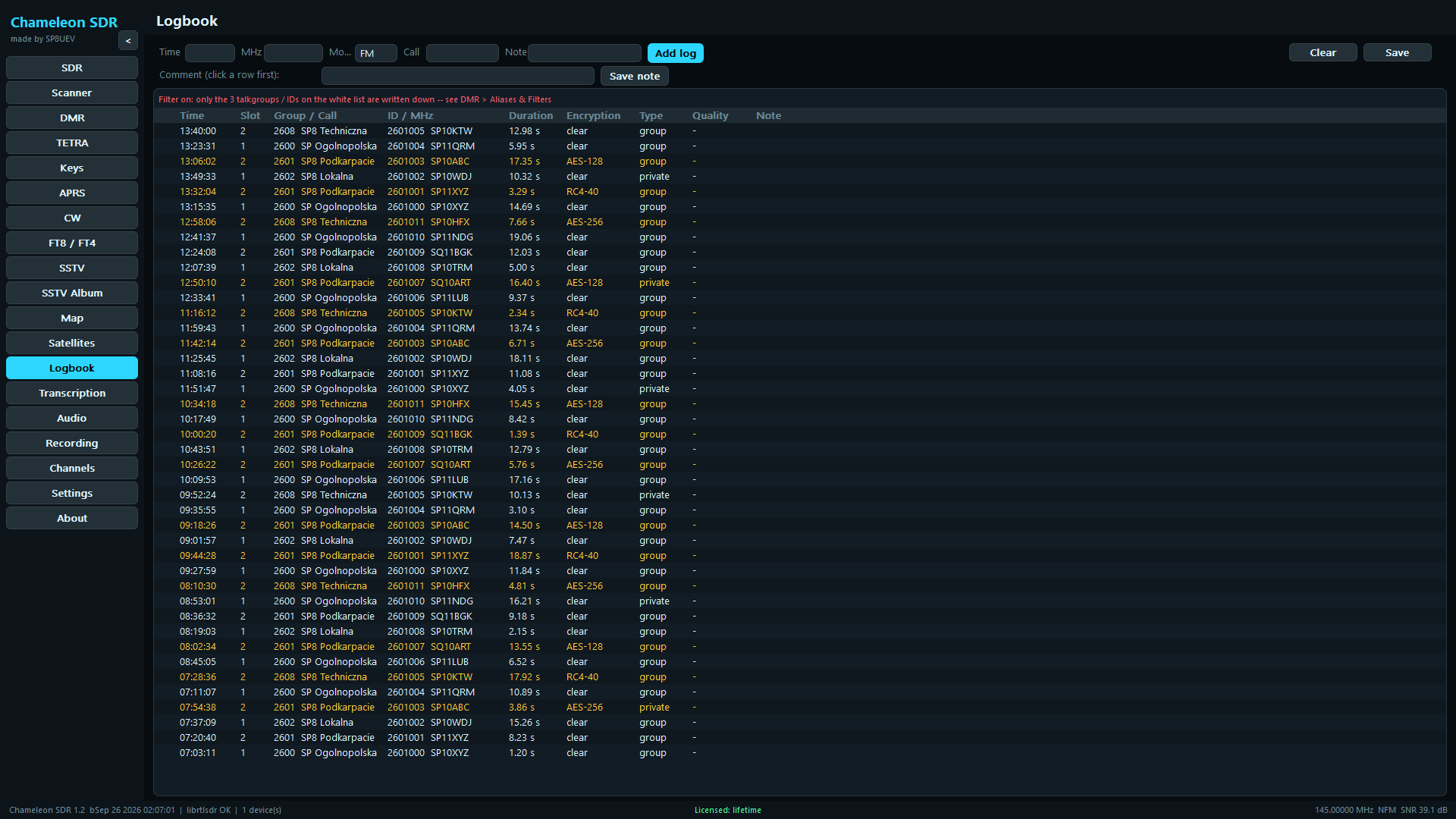
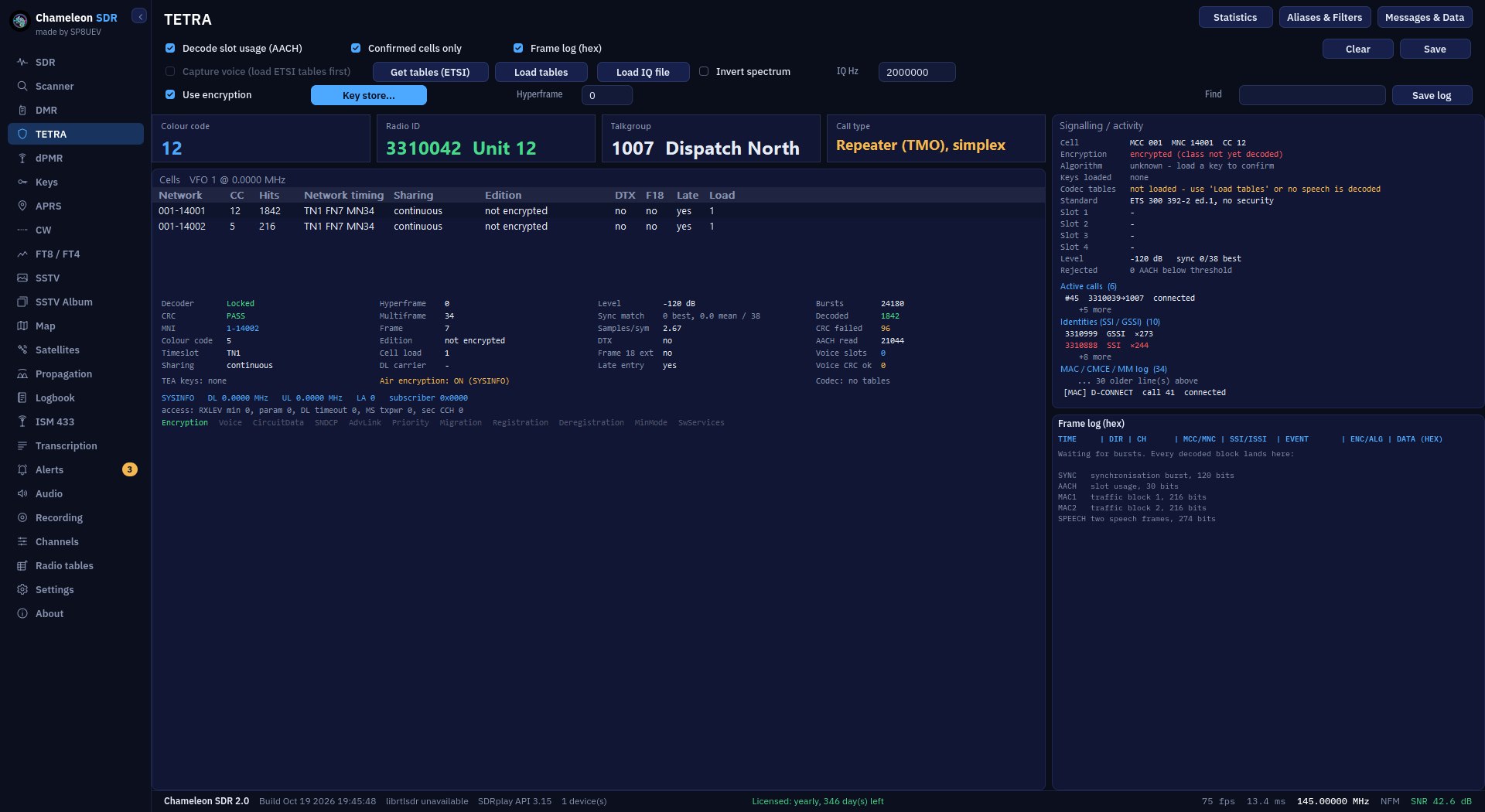
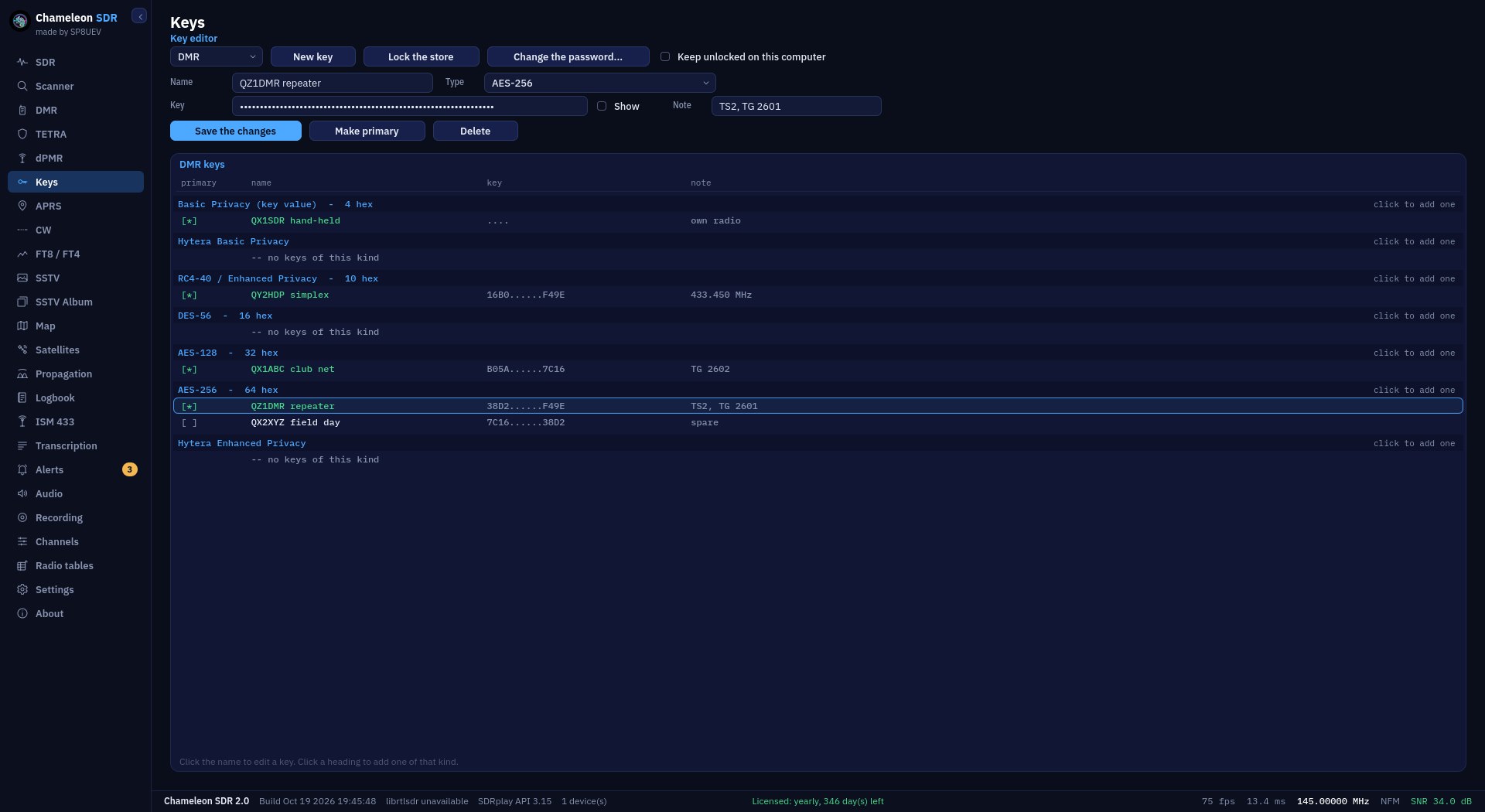
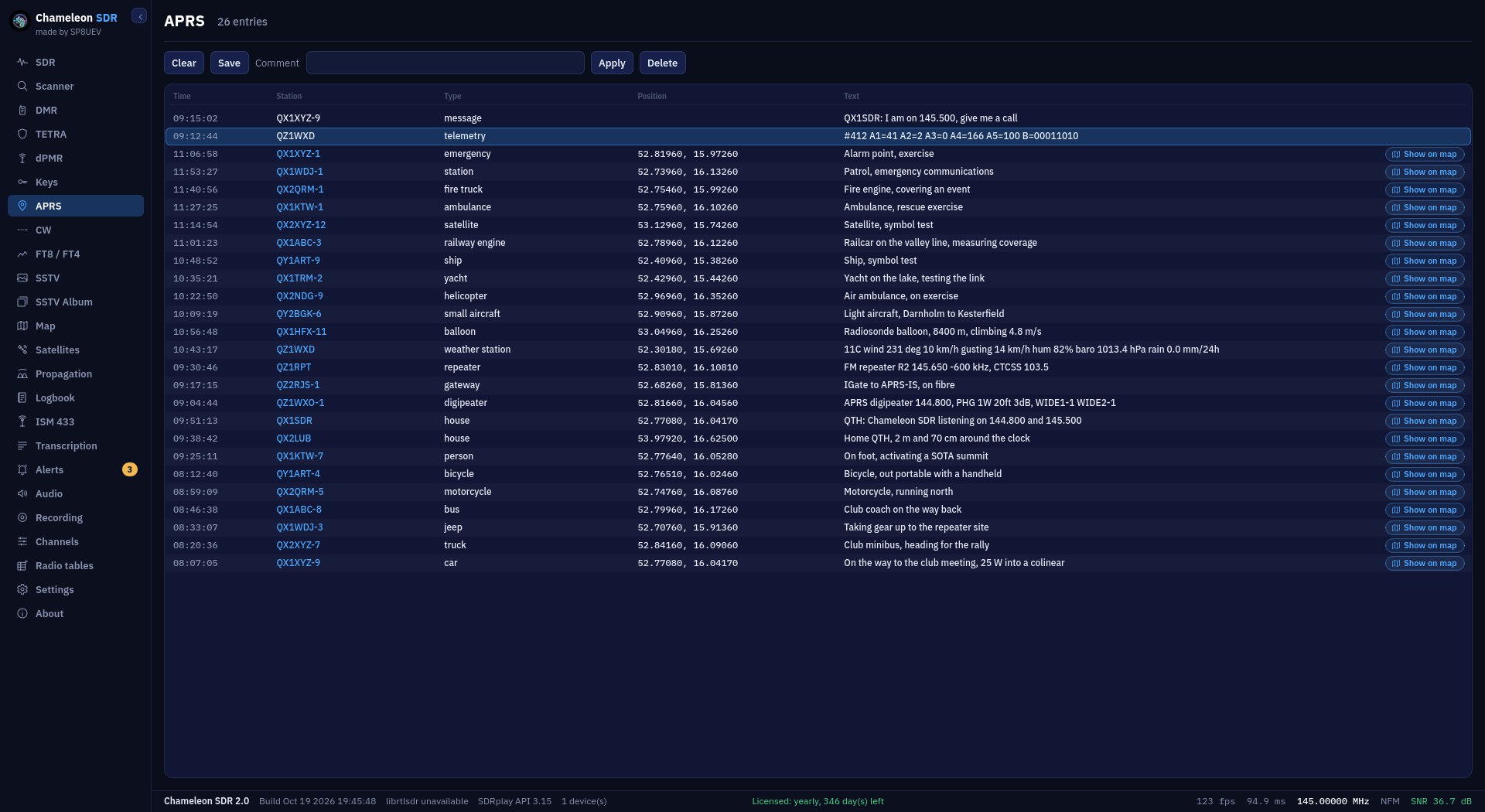
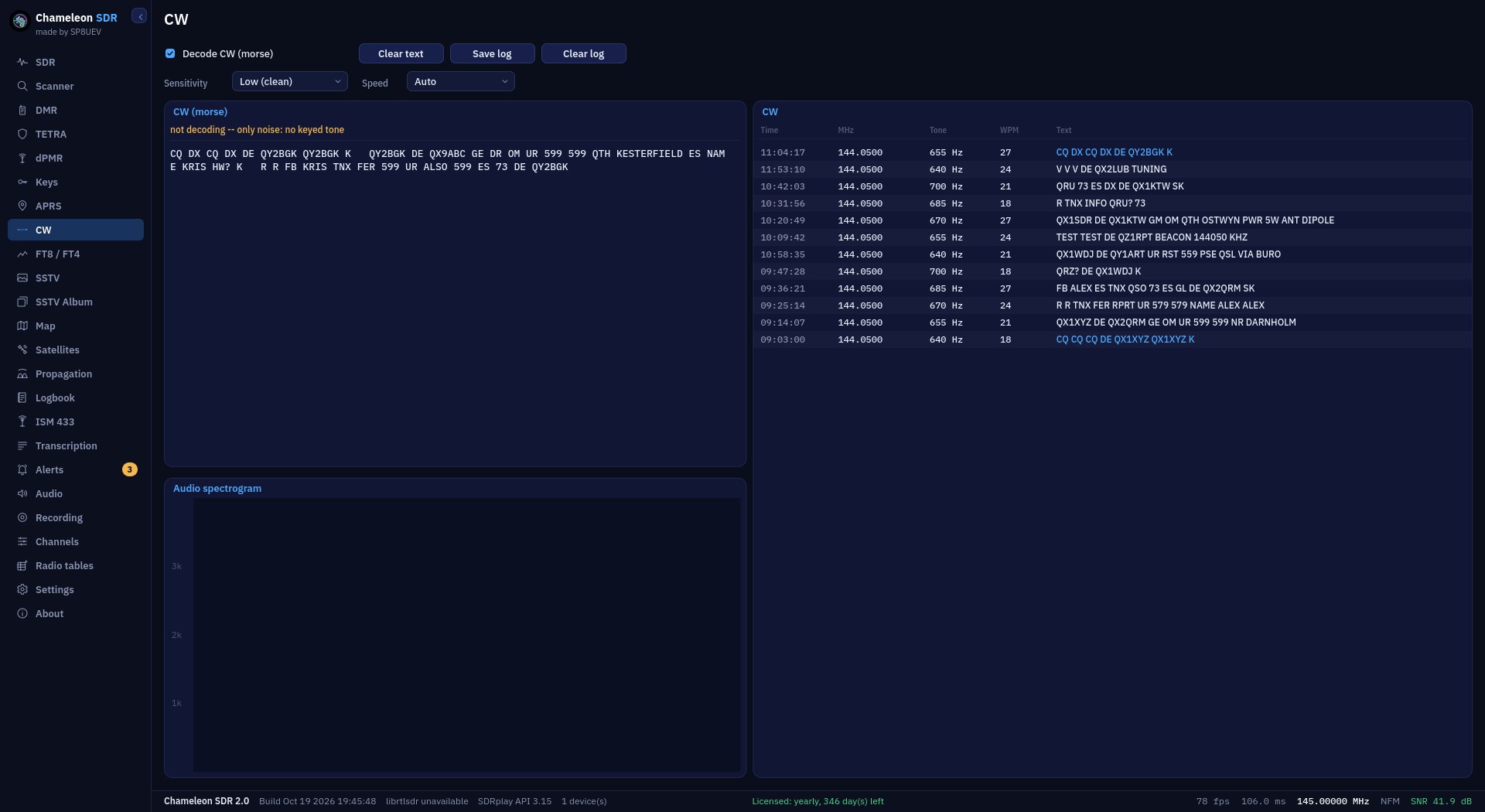
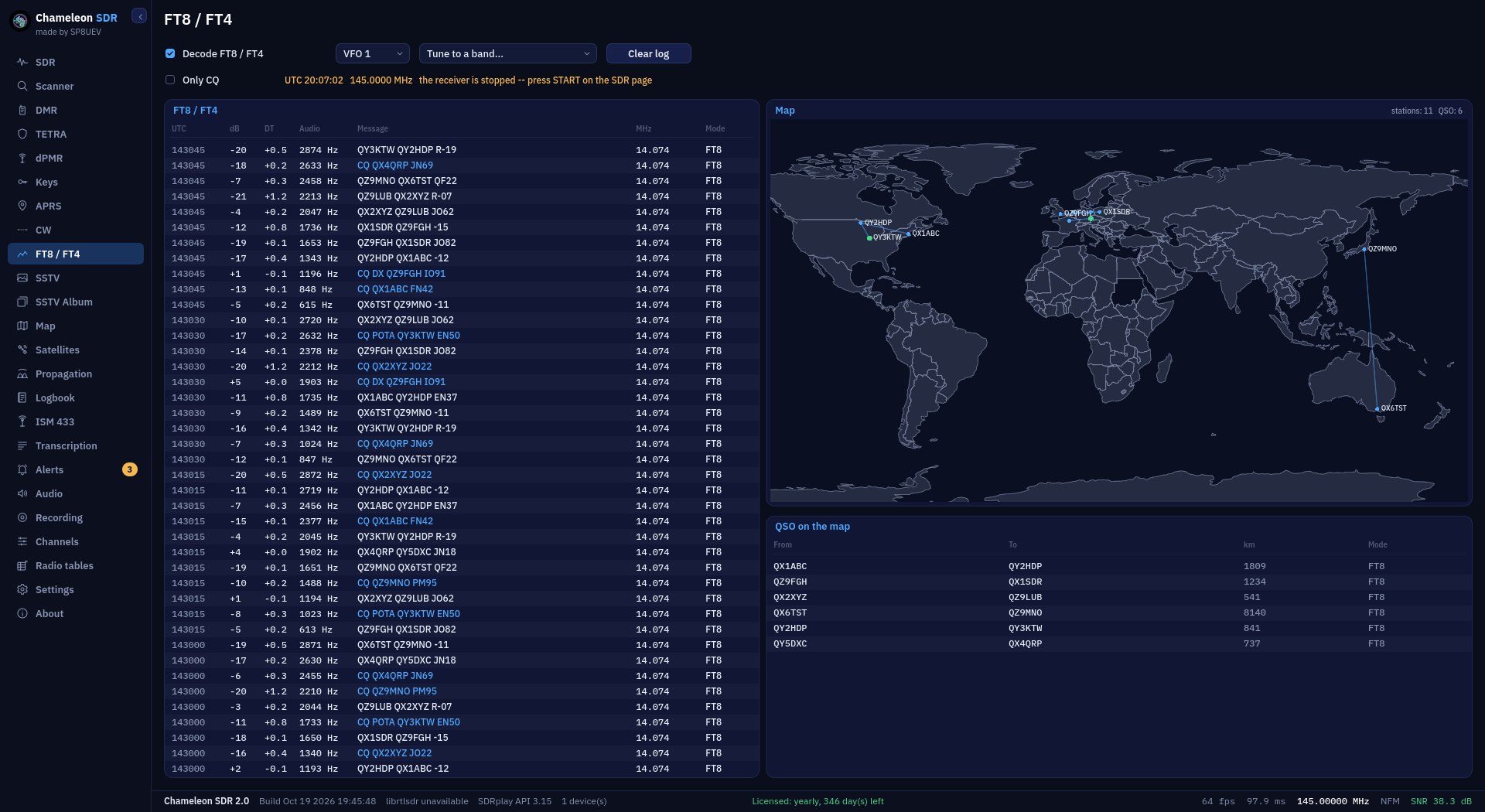
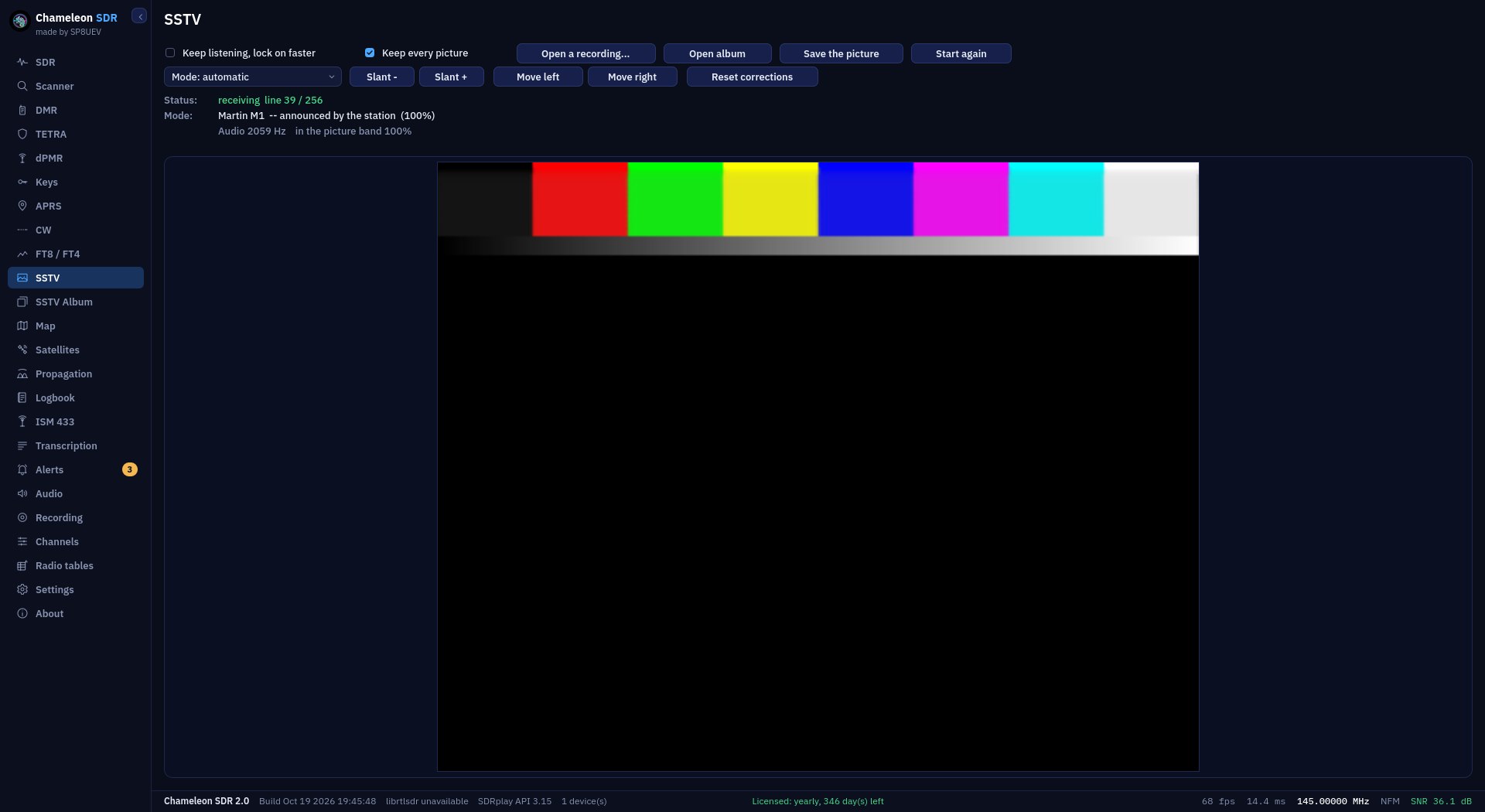
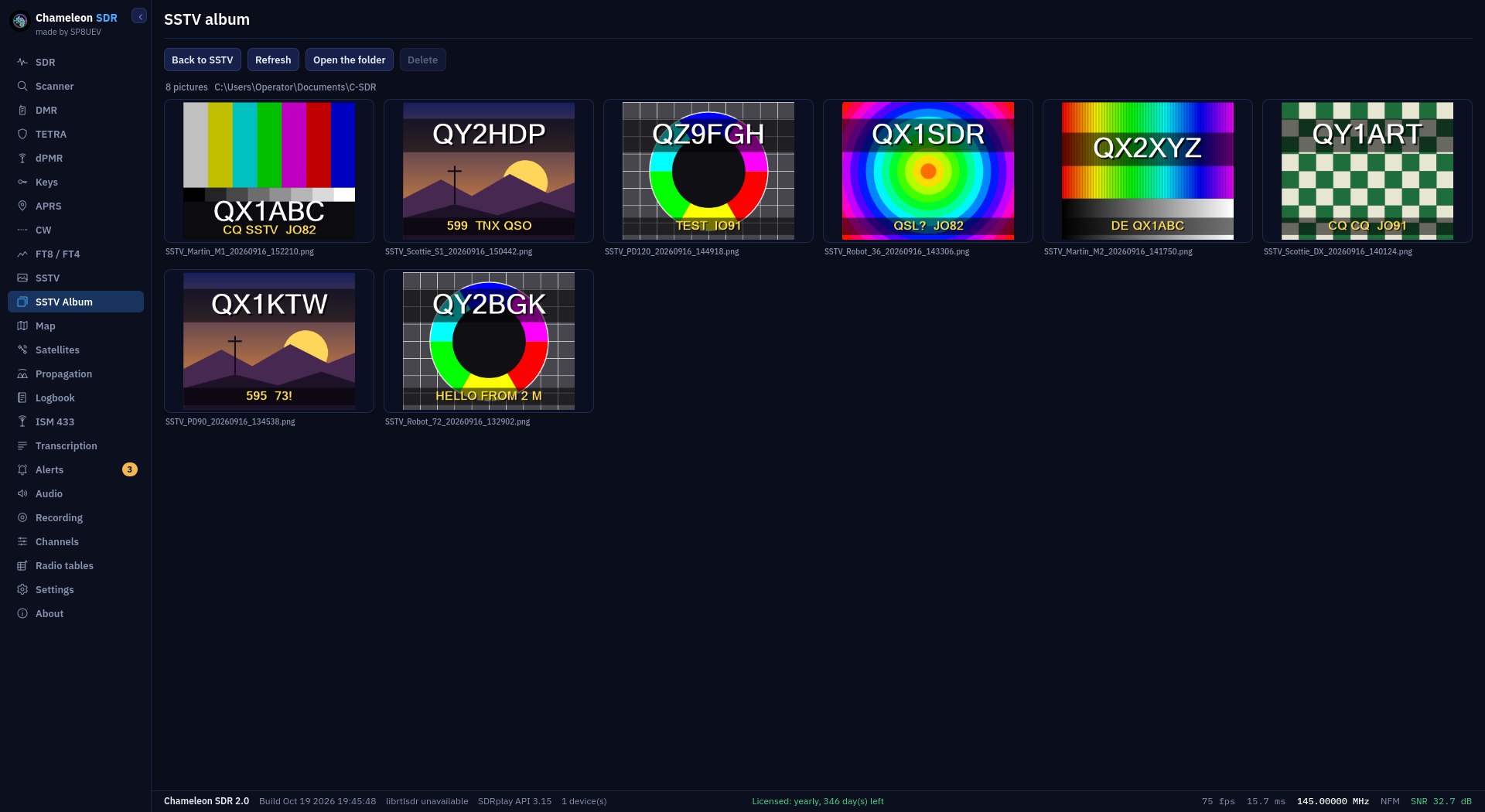
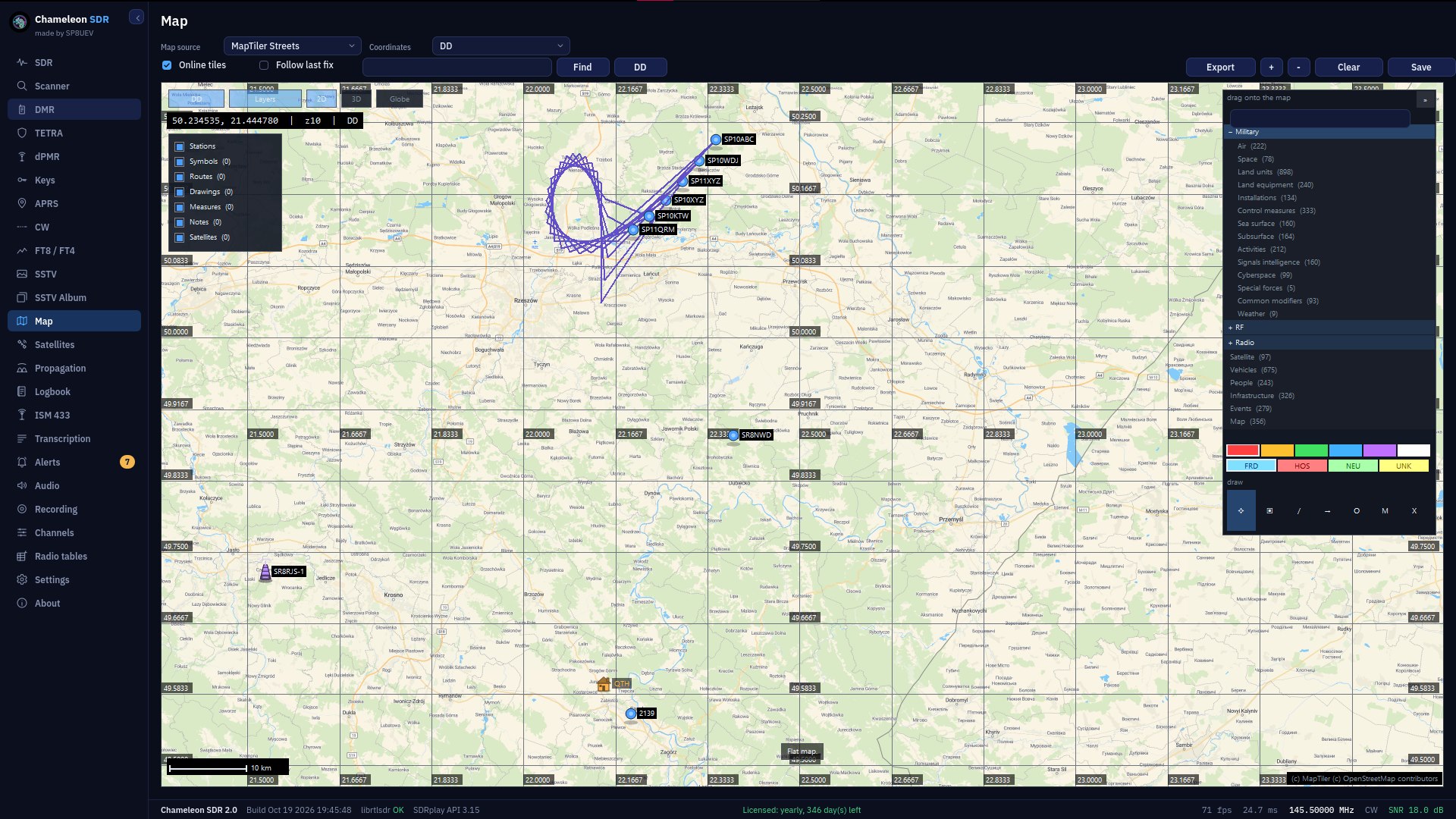
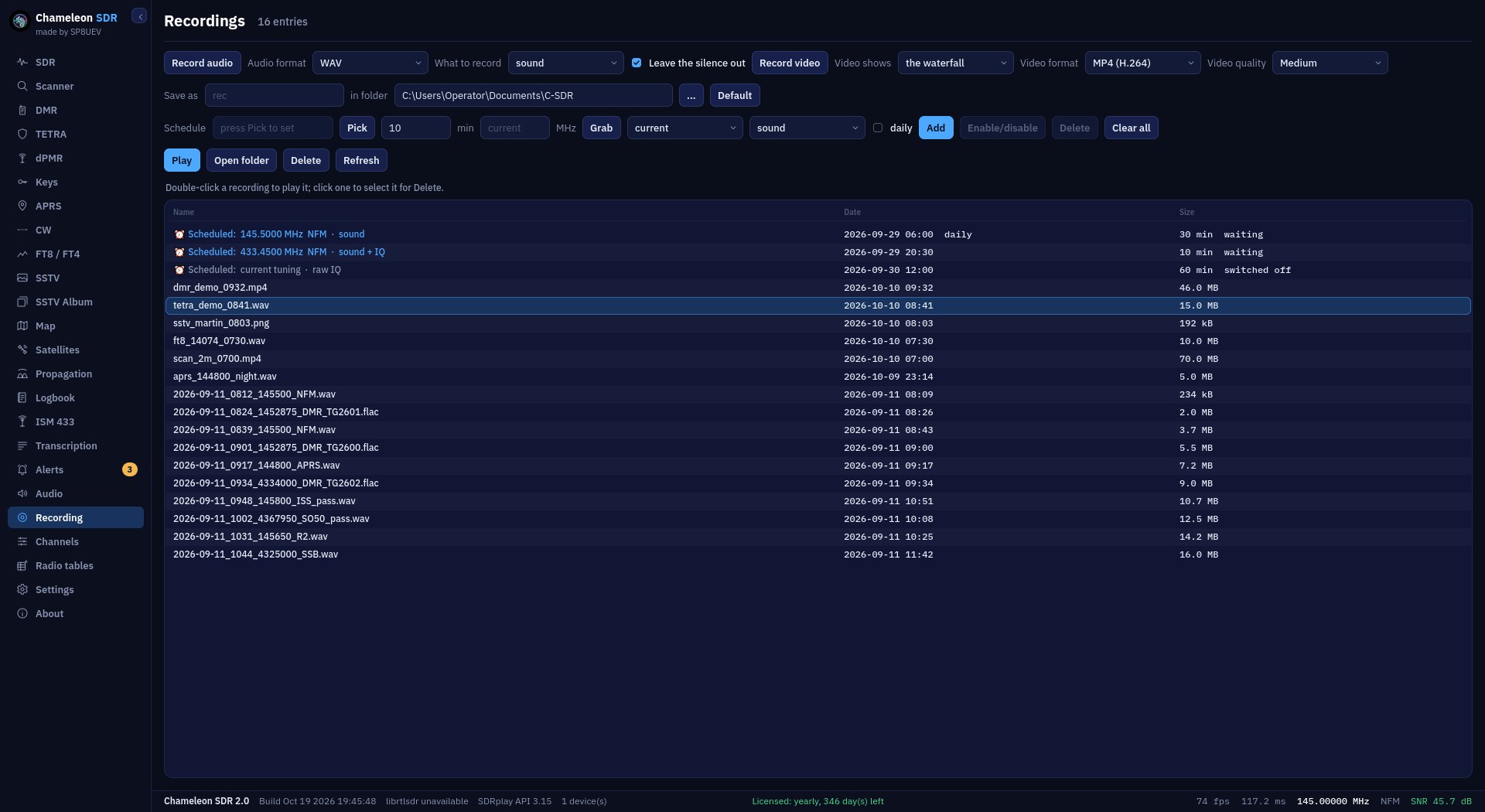
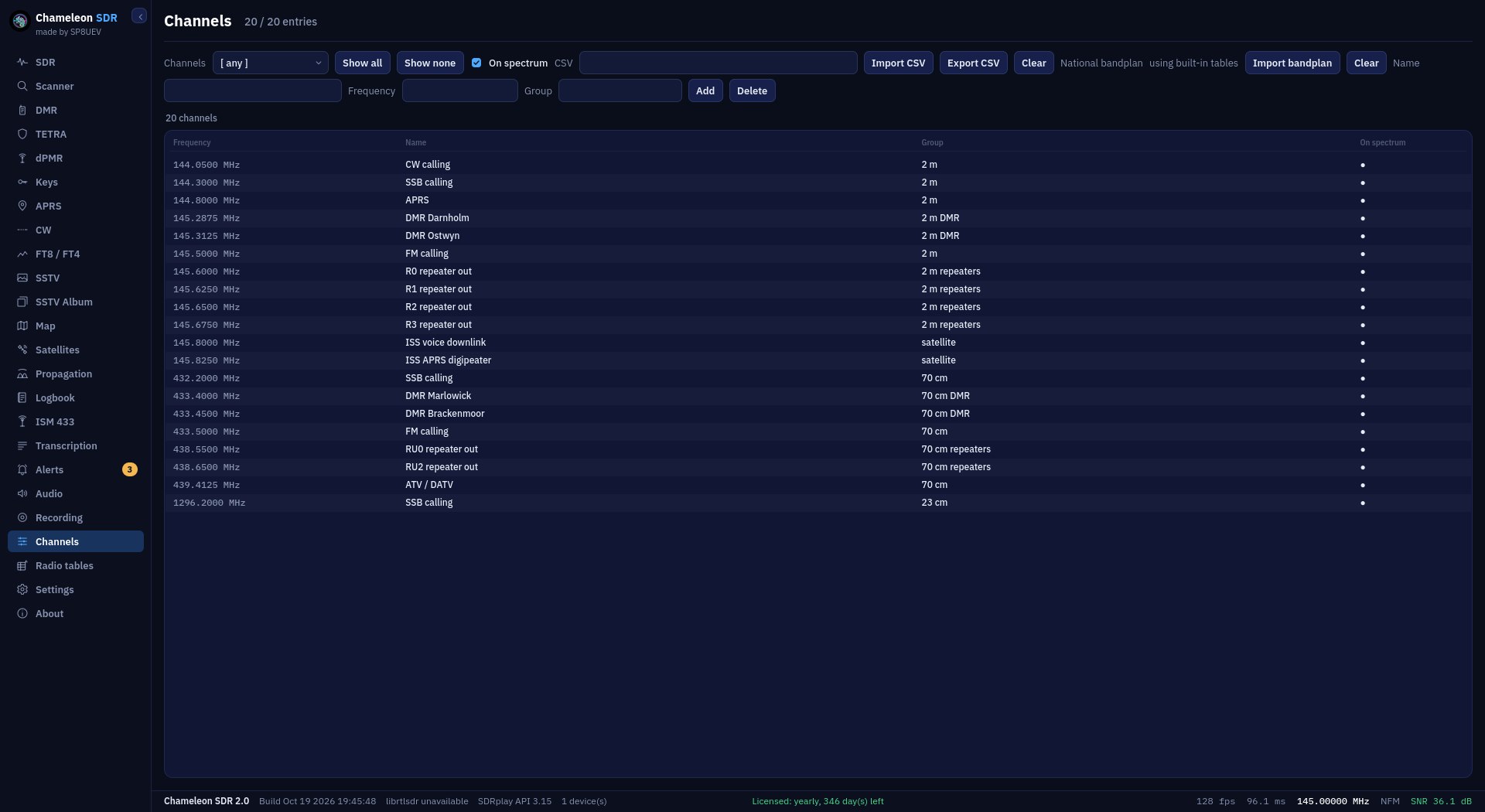
SDR panelSpectrum, waterfall and audio spectrogram in one window, with three independent receivers. You click straight into a signal, and the band plan and channel list say what that frequency is.Scanner, live viewA panorama of the whole range with a falling peak hold. The scanner works out the mode by itself, and whether anyone is speaking, without starting a decoder or playing any audio.Scanner logEvery transmission heard, with its time, frequency, recognised mode and whether it carried speech. A filter separates analogue from digital, and the log survives a restart.Scanner statisticsWhere, what and when: a bar per frequency, the share of speech in each mode, and the busiest hours of the day.DMRCalls, signalling and messages. Four fields at the top say who is transmitting, from what hardware, under which encryption and on which colour code.DMR SystemA window of its own for the trunked system as recognised: control channels, radios heard, talkgroups logged on, and the control blocks the program cannot name.Messages and dataDMR text messages, position reports and TETRA short messages in one window. A switch decides whether data packets are recorded too, or only the text.Aliases and filtersReadable names instead of talkgroup and radio numbers. An allow list passes only the identifiers named, a block list refuses them, and both apply to every receiver.DMR statisticsDecoder counters: calls, time on air, the share that was encrypted, errors, the busiest talkgroups and radios, and traffic over the hour.APRSStations heard on the air with position, course and your own comment. Two symbol characters from the packet decide what the station is on the map: a balloon, a car or a repeater.TETRANetworks detected, what each slot carries, the broadcast cell parameters and a log of the raw blocks in hexadecimal, coloured by whether the checksum held.MorseThe CW decoder matches the sending speed by itself. Live text on the left, a log of received messages on the right, saved to a file with one button.FT8 and FT4Both modes decoded from the same audio, every result labelled with which it was. Beside it the QSO map: each contact as a great-circle line with an arrow to the far station, CQ callers in green.SSTVThe picture builds in front of you, line by line, whether or not the mode has been recognised yet. The page says by how much and which way to retune the receiver.SSTV albumEvery picture kept, as thumbnails, newest first. The album reads the folder rather than memory, so it survives closing the program.Key storeDMR and TETRA keys in a separate encrypted file, opened with the operator’s password. The list never shows a whole key, only four characters from each end.ChannelsYour own channel lists with name, frequency and group, drawn onto the spectrum. Imported and exported as CSV, with a national band plan loaded separately.AudioAn equaliser, high- and low-pass filters, a notch filter and a noise gate. You set it once and it applies to every audio path.RecordingsA list of recordings played back inside the program. A recording can be dragged from the list onto the desktop, and is written as WAV or FLAC.LogbookCalls record themselves, with time, length, talkgroup, slot and a rating of reception quality. An entry with an attachment leads to the map in one click.TranscriptionRecognised text beside its translation, with the time, frequency and mode from the moment of recording. It all runs on your computer and nothing goes to the network.2D mapMIL-STD symbols, routes with bearing and distance, range circles and measurements, spread across separate layers. Positions from APRS and DMR arrive here by themselves.3D mapThe same ground on a sphere, together with satellite orbits and their footprints. The view turns and tilts with the mouse, and everything drawn stays where it belongs.SatellitesA pass list sorted by what comes first, with azimuth, elevation, range and the Doppler correction. The receiver can follow the chosen satellite by itself.
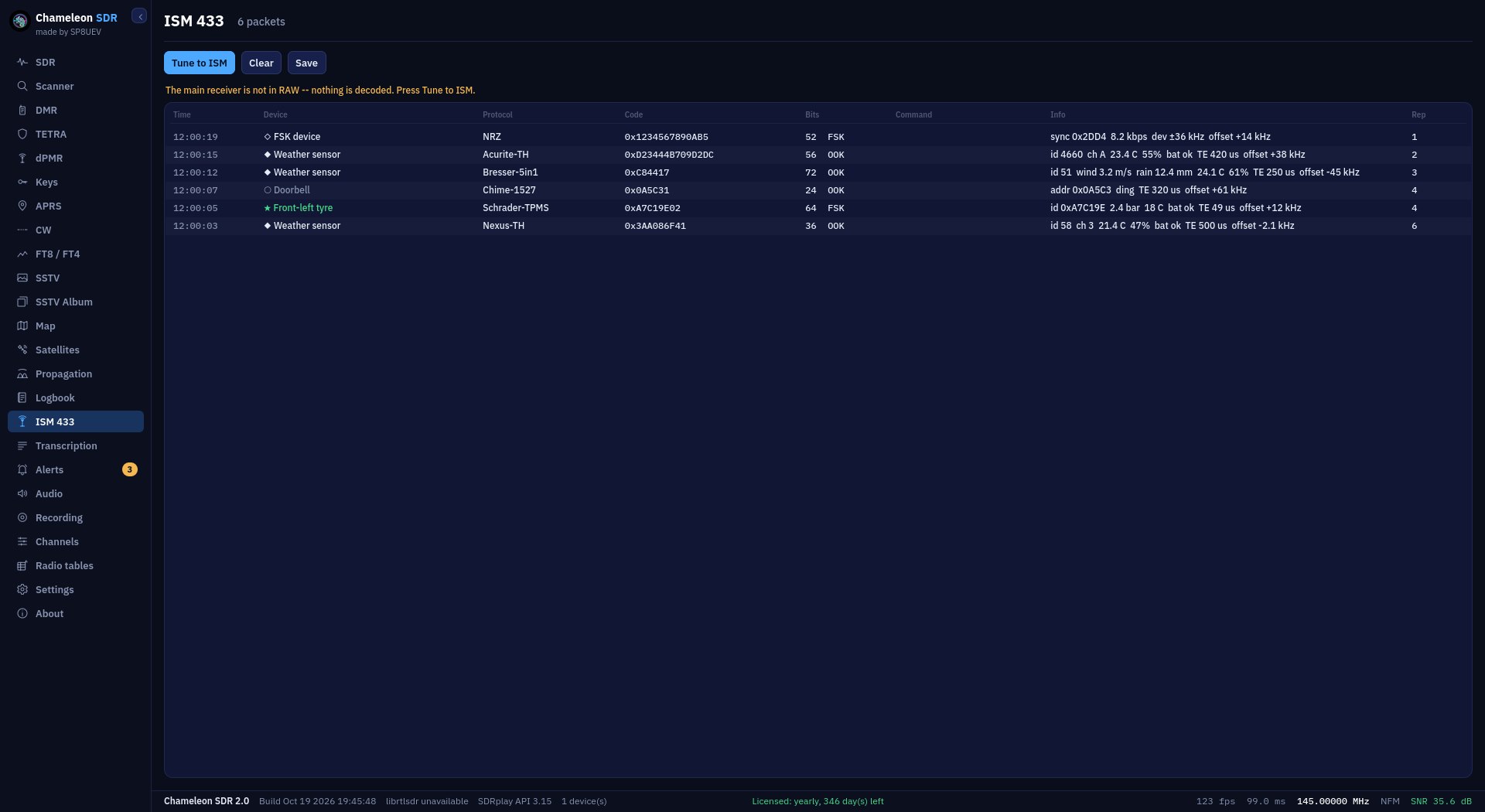
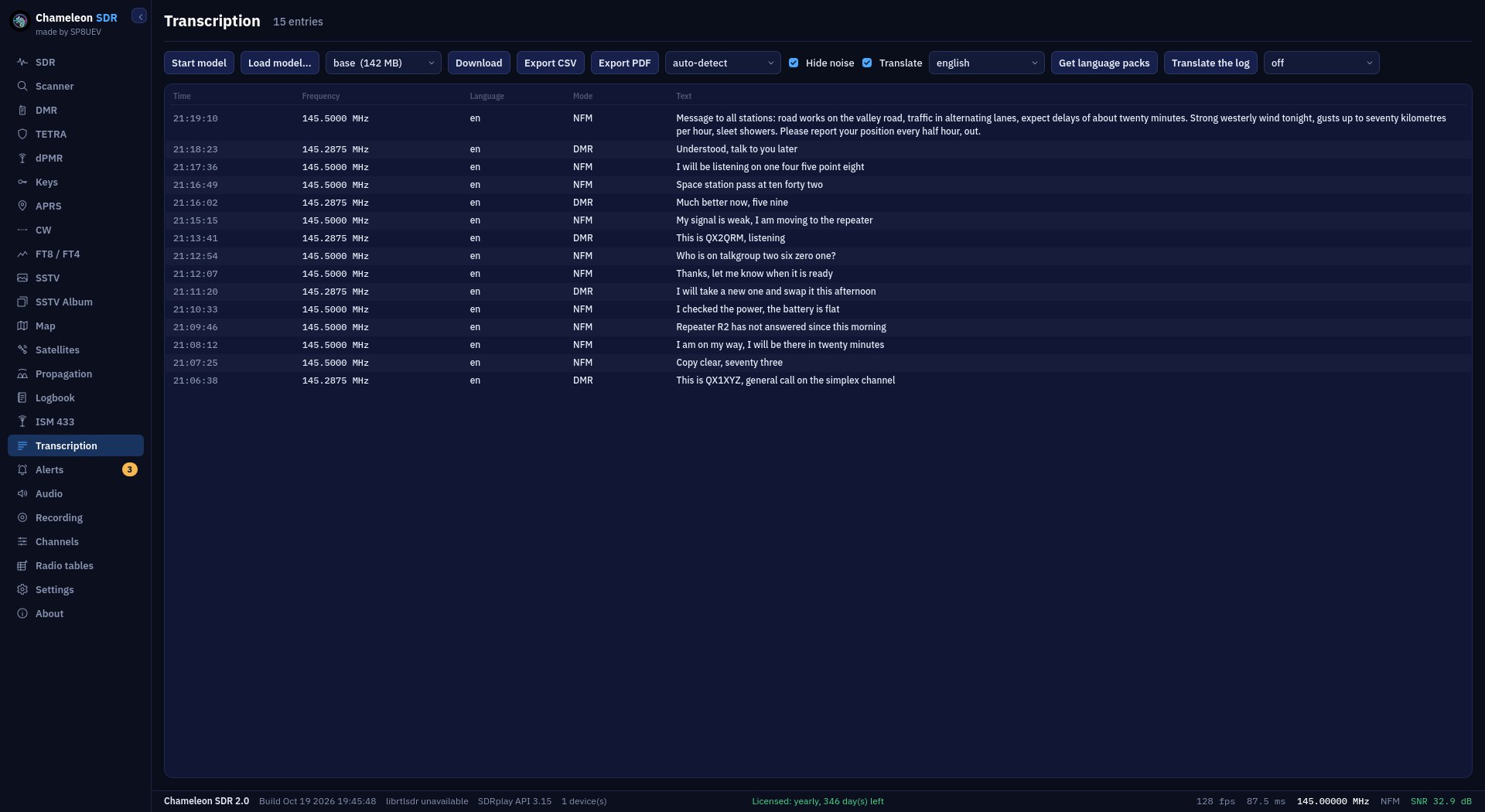
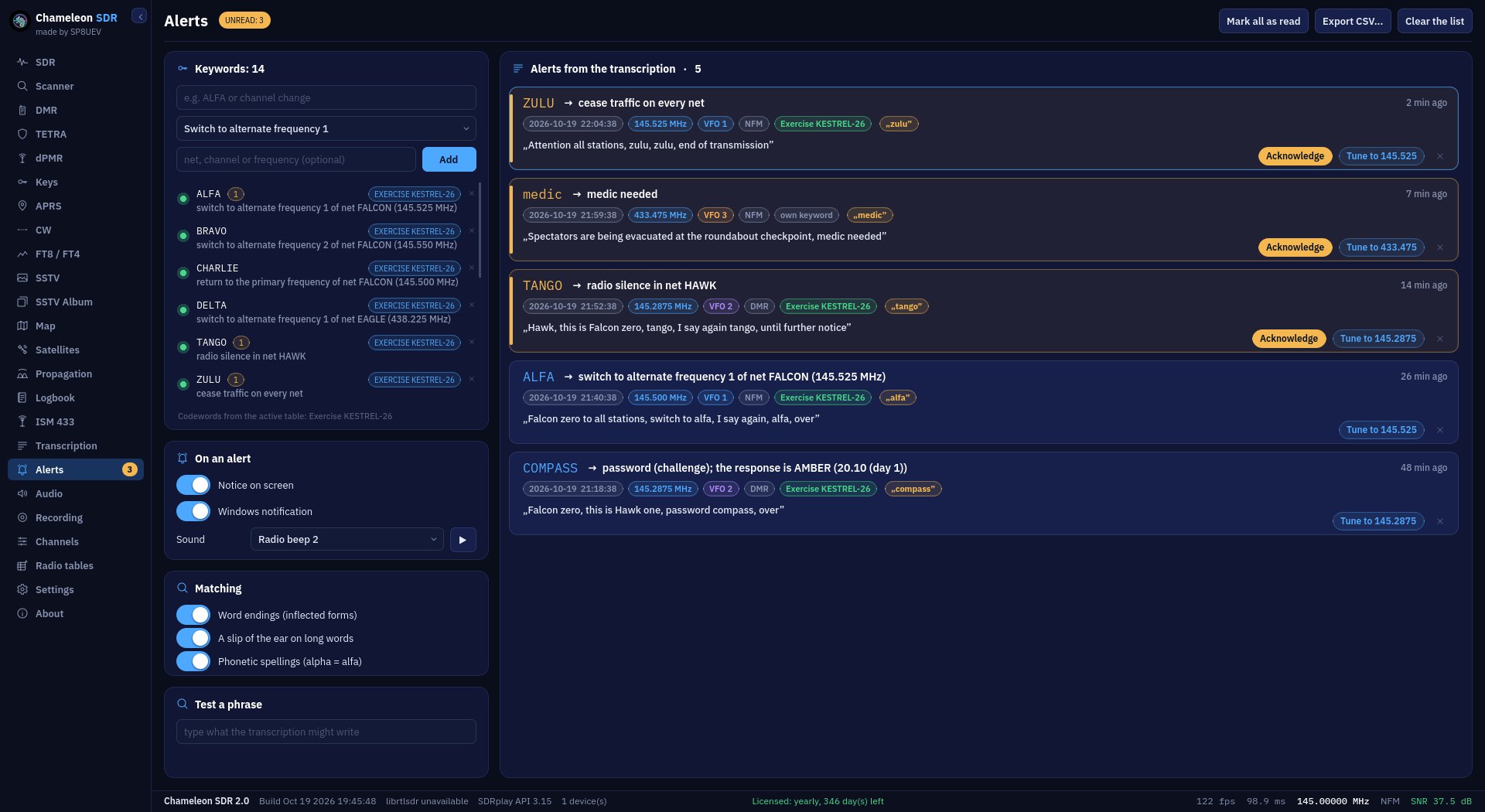
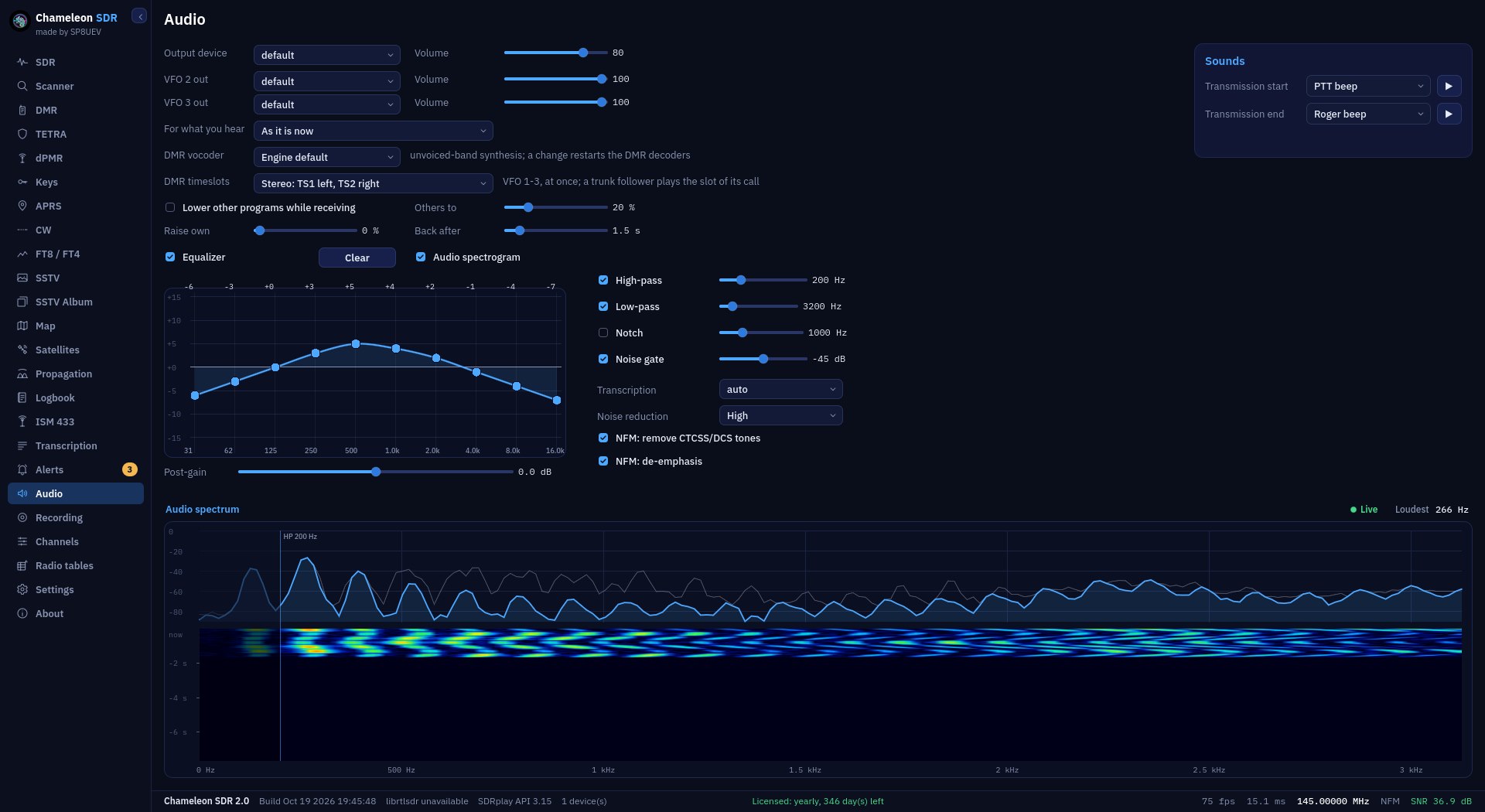
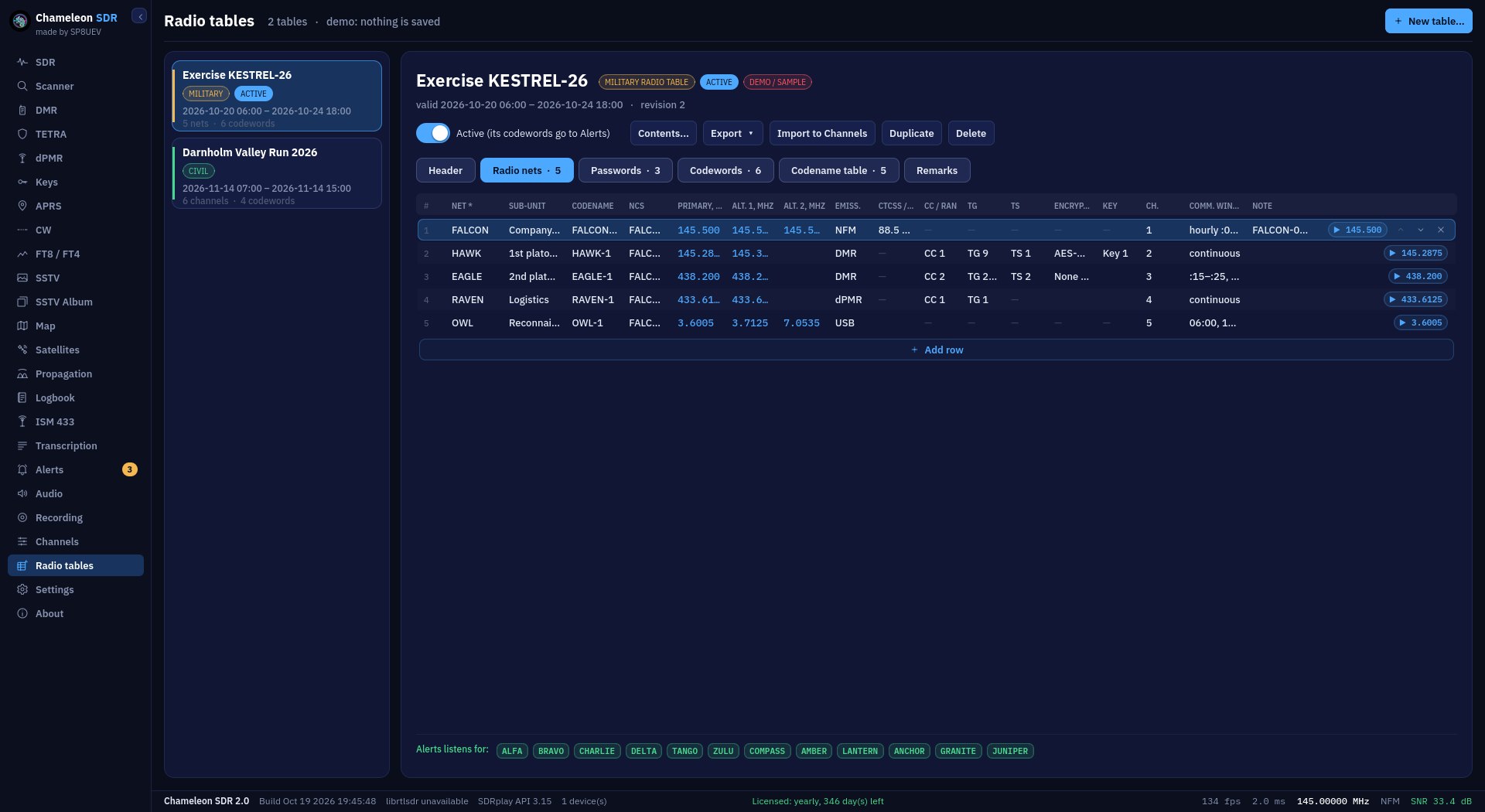
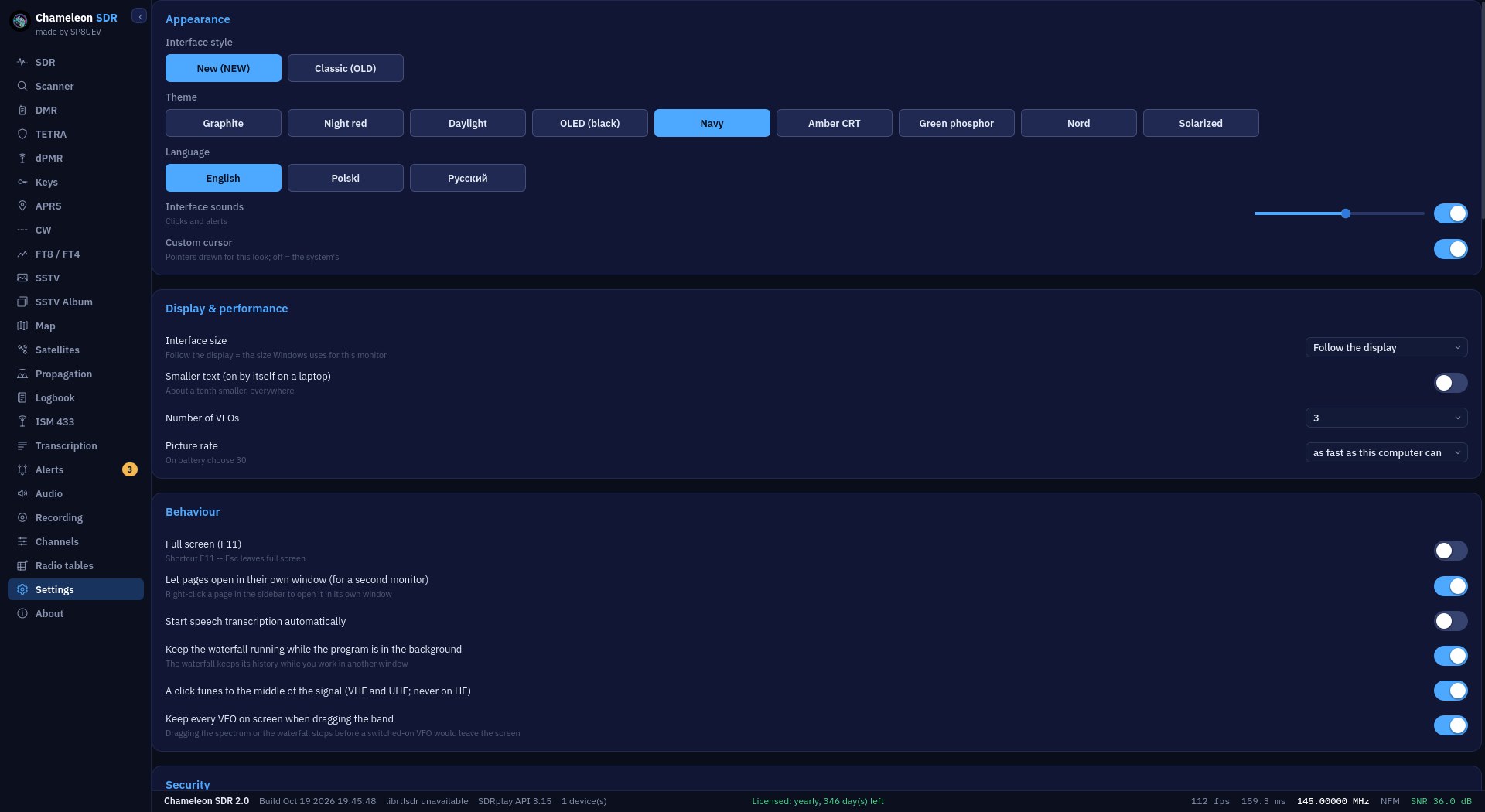
SDR panelSpectrum, waterfall and audio spectrogram in one window, with three independent receivers. You click straight into a signal, and the band plan and channel list say what that frequency is.Scanner, live viewA panorama of the whole range with a falling peak hold. The scanner works out the mode by itself, and whether anyone is speaking, without starting a decoder or playing any audio.DMRCalls, signalling and messages. Four fields at the top say who is transmitting, from what hardware, under which encryption and on which colour code.dPMRdPMR calls with station ID, group and colour code. Every call goes into the logbook by itself.TETRANetworks detected, what each slot carries, the broadcast cell parameters and a log of the raw blocks in hexadecimal, coloured by whether the checksum held.Key storeDMR and TETRA keys in a separate encrypted file, opened with the operator’s password. The list never shows a whole key, only four characters from each end.APRSStations heard on the air with position, course and your own comment. Two symbol characters from the packet decide what the station is on the map: a balloon, a car or a repeater.MorseThe CW decoder matches the sending speed by itself. Live text on the left, a log of received messages on the right, saved to a file with one button.FT8 and FT4Both modes decoded from the same audio, every result labelled with which it was. Beside it the QSO map: each contact as a great-circle line with an arrow to the far station, CQ callers in green.SSTVThe picture builds in front of you, line by line, whether or not the mode has been recognised yet. The page says by how much and which way to retune the receiver.SSTV albumEvery picture kept, as thumbnails, newest first. The album reads the folder rather than memory, so it survives closing the program.2D mapMIL-STD symbols, routes with bearing and distance, range circles and measurements, spread across separate layers. Positions from APRS and DMR arrive here by themselves.3D mapThe same ground on a sphere, together with satellite orbits and their footprints. The view turns and tilts with the mouse, and everything drawn stays where it belongs.SatellitesA pass list sorted by what comes first, with azimuth, elevation, range and the Doppler correction. The receiver can follow the chosen satellite by itself.Propagationv2 ONLYA coverage map on the chosen band, the best DX directions, a forecast for the next hours and a ranking of world regions. Worked out by the VOACAP model on NOAA data.LogbookCalls record themselves, with time, length, talkgroup, slot and a rating of reception quality. An entry with an attachment leads to the map in one click.ISM 433 MHzDevices transmitting on 433 MHz: weather stations, tyre pressure sensors, doorbells and the like, with readings in a table you can save.TranscriptionRecognised text beside its translation, with the time, frequency and mode from the moment of recording. It all runs on your computer and nothing goes to the network.AlertsKeywords caught in the transcription, with their meaning, time, frequency and receiver. A notice on screen and in Windows, and a button that tunes to that frequency.AudioAn equaliser, high- and low-pass filters, a notch filter and a noise gate. You set it once and it applies to every audio path.RecordingsA list of recordings played back inside the program. A recording can be dragged from the list onto the desktop, and is written as WAV or FLAC.ChannelsYour own channel lists with name, frequency and group, drawn onto the spectrum. Imported and exported as CSV, with a national band plan loaded separately.Radio tablesA communications plan from the wizard: nets, frequencies, emissions, codes, passwords and codewords. Export to PDF and PNG, and the frequencies go to Channels with one click.SettingsHere you switch between the new and the classic look, the theme and the language, and set the interface size, the number of receivers and how the program behaves.