v2: if your computer is newer
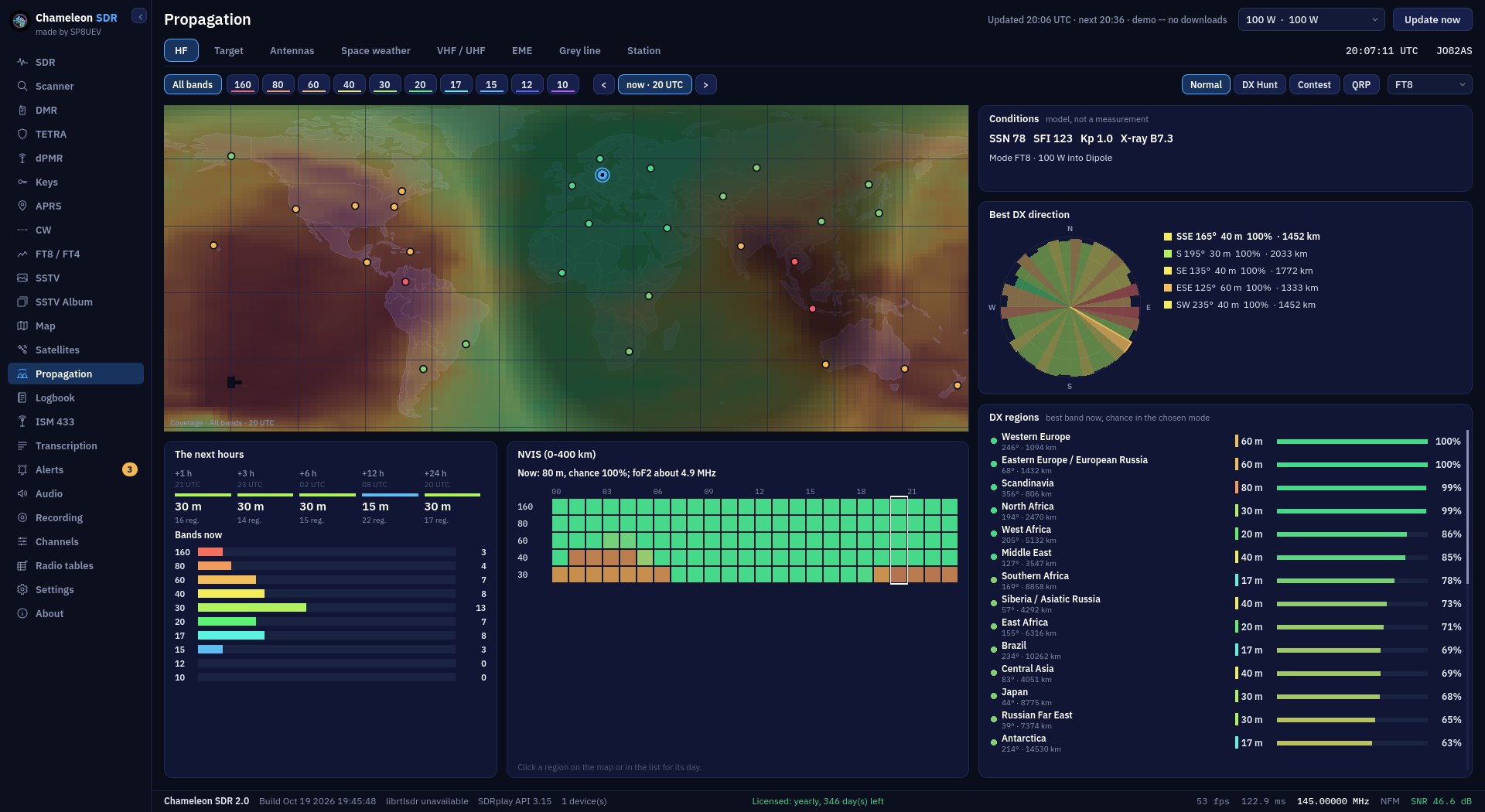
A graphics card with OpenGL 3.3 (practically any from recent years, integrated ones included) and up-to-date drivers. You get the new interface, Propagation and nine themes.
 CHAMELEON SDR
VERSION COMPARISON
Chameleon SDR 2.0 is the same program in a new edition: a new interface drawn on the graphics card, the Propagation tab and nine themes. The classic 1.3.5 look stays. It is lighter and runs on weaker hardware. Both are in one installer, and the licence key works in both.
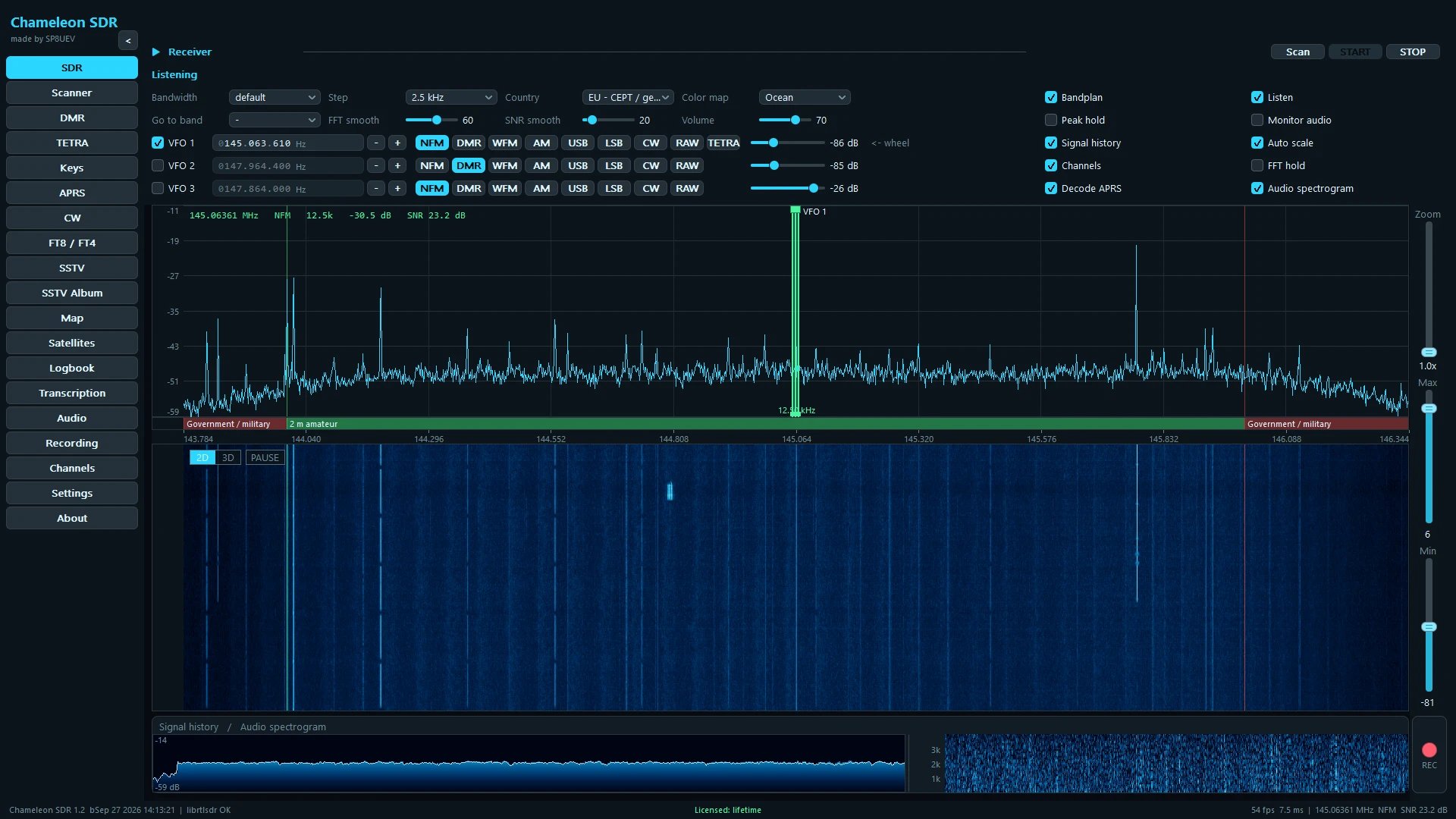
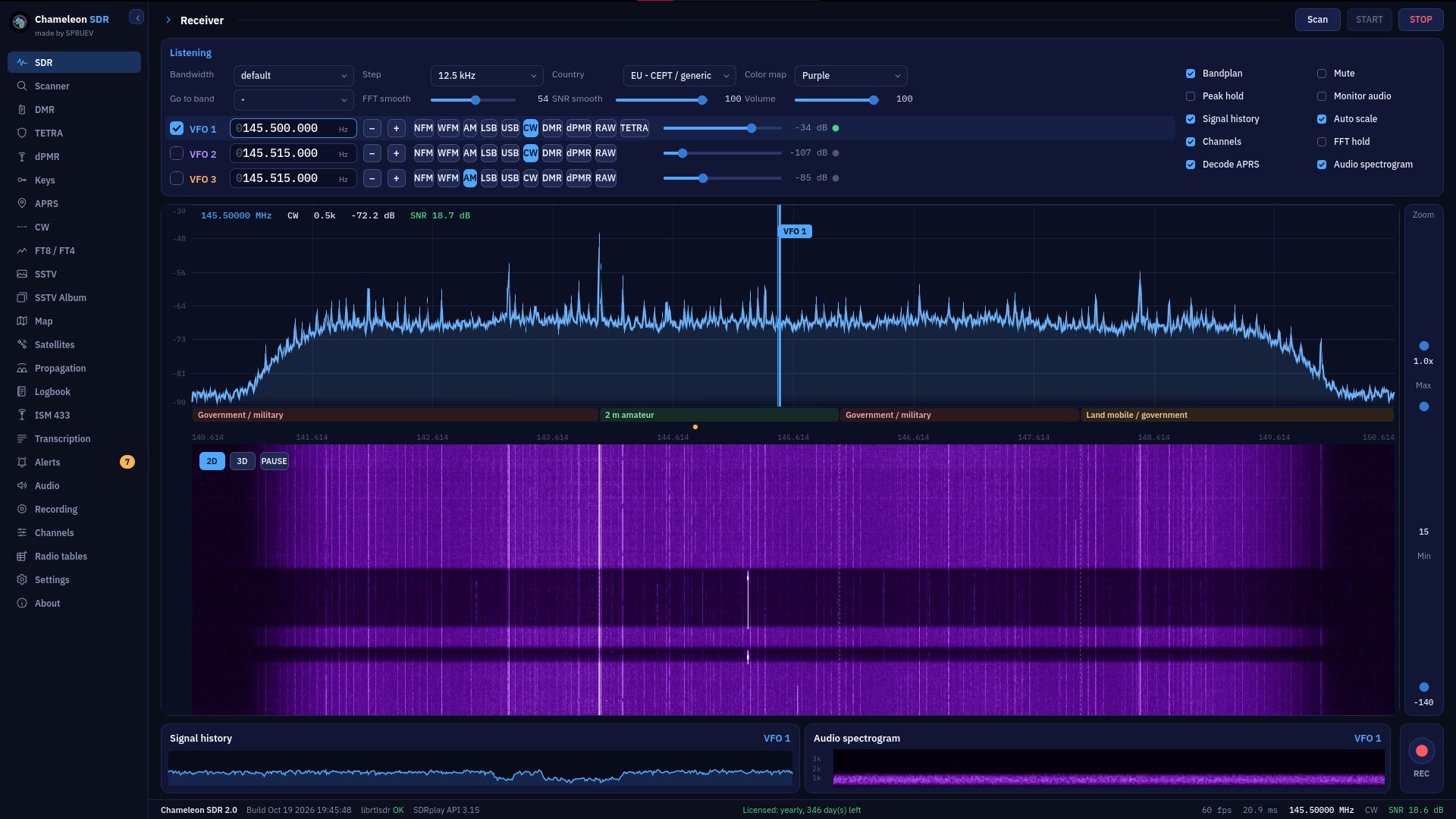
Pick a screen and drag the slider: v1 on the left, v2 on the right. The arrow keys work too.
 v1 · 1.3.5v2 · 2.0
Differences are highlighted in colour. Everything else (reception, decoders, map, transcription) works the same in both.
| Feature | v1: classic look 1.3.5 | v2: new look 2.0 |
|---|---|---|
| Look and requirements | ||
| Interface | Classic, proven | New, drawn on the graphics card (Godot engine) |
| Colour themes | Classic themes | Nine: Graphite, Night red, Daylight, OLED (black), Navy, Amber CRT, Green phosphor, Nord and Solarized |
| Graphics card | No special requirements, also runs on older hardware | OpenGL 3.3 (DirectX 11 class) and up-to-date drivers |
| The interface alone on disk | about 17 MB | about 111 MB |
| Installation including the speech model | about 597 MB | about 692 MB (both looks together: about 708 MB) |
| Features | ||
| Propagation: HF coverage map, forecast, space weather, VHF, EME, grey line | ✕ | ✓ |
| SDR receiver: spectrum, waterfall, three VFOs | ✓ | ✓ |
| Band scanner | ✓ | ✓ |
| DMR (with trunking), TETRA and dPMR | ✓ | ✓ |
| APRS with a map | ✓ | ✓ |
| CW decoder | ✓ | ✓ |
| FT8 and FT4 with a QSO map | ✓ | ✓ |
| SSTV and an image album | ✓ | ✓ |
| ISM 433 MHz sensors | ✓ | ✓ |
| 2D and 3D map, satellites with Doppler correction | ✓ | ✓ |
| Offline transcription and translation (new, faster engine) | ✓ | ✓ |
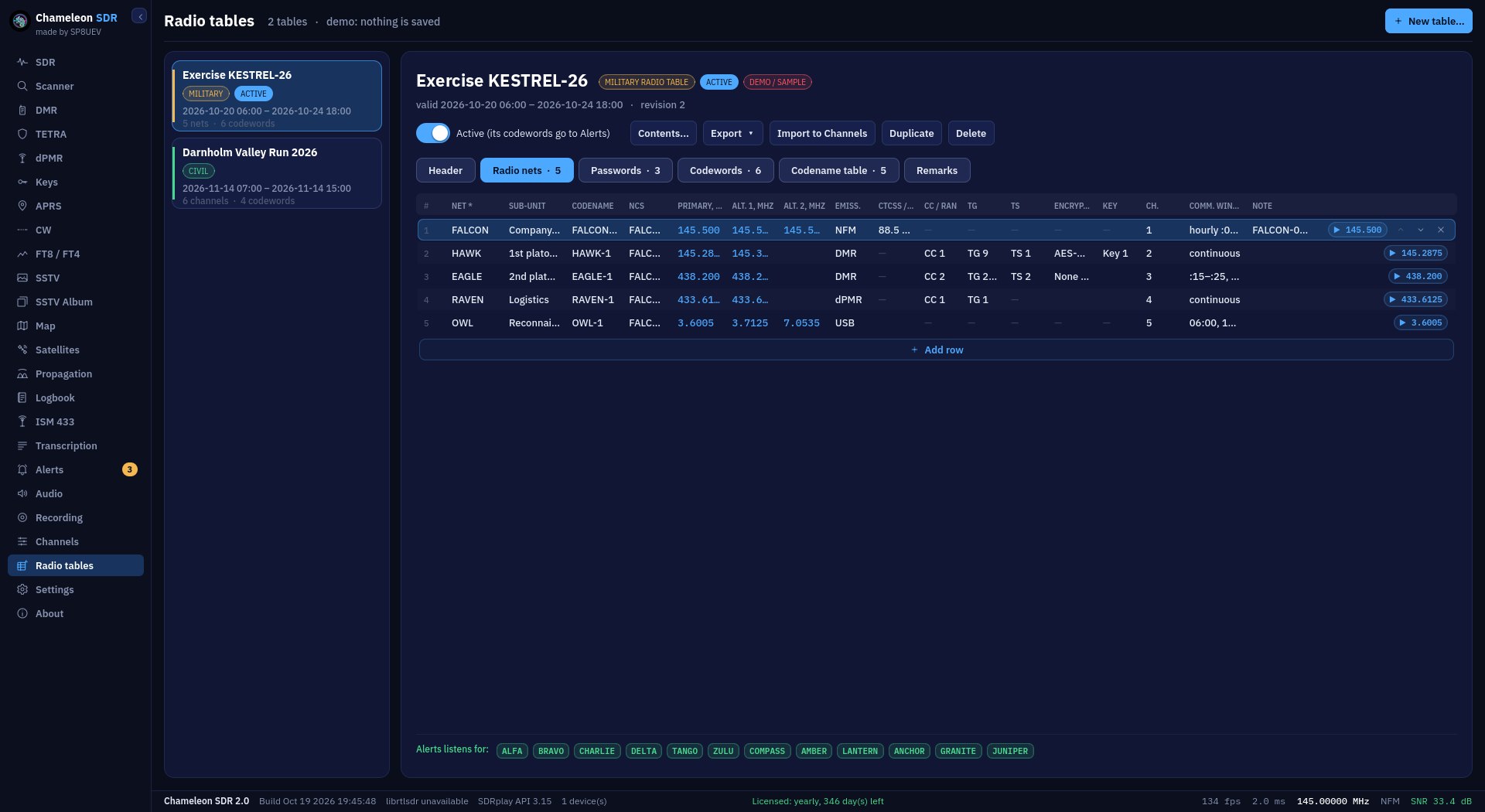
| Radio tables | ✓ | ✓ |
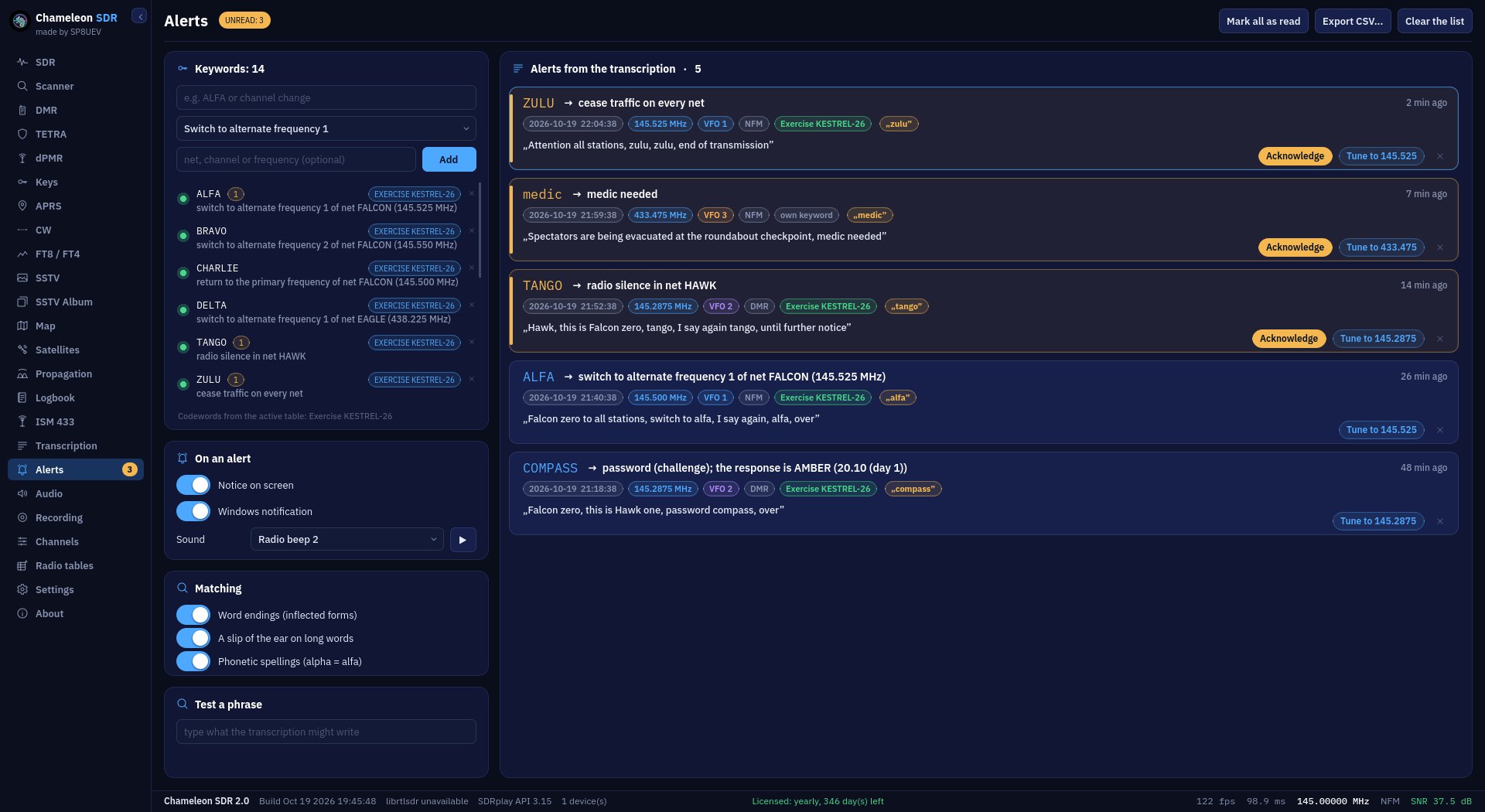
| Keyword alerts from the transcription | ✓ | ✓ |
| Logbook, recordings, channels, audio, keys | ✓ | ✓ |
| Licence and data | ||
| Licence key | The same key | The same key |
| Settings and your data | Shared: switching the look deletes nothing | Shared: switching the look deletes nothing |
Propagation is in v2 only. Radio tables and Alerts are in both versions. The screenshots show the new look. Click a screenshot to enlarge it.
A graphics card with OpenGL 3.3 (practically any from recent years, integrated ones included) and up-to-date drivers. You get the new interface, Propagation and nine themes.
The classic look needs no modern graphics card and takes less space. It has the same decoders, map, transcription, radio tables and alerts.
In the installer choose “NEW and OLD: both looks” (recommended). It takes little more space, and you switch between the looks in the program with one button: Settings → Appearance. The licence, settings and data are shared. Keep the folder the wizard suggests: only then will version 2.0 take over the licence from the previous one.